
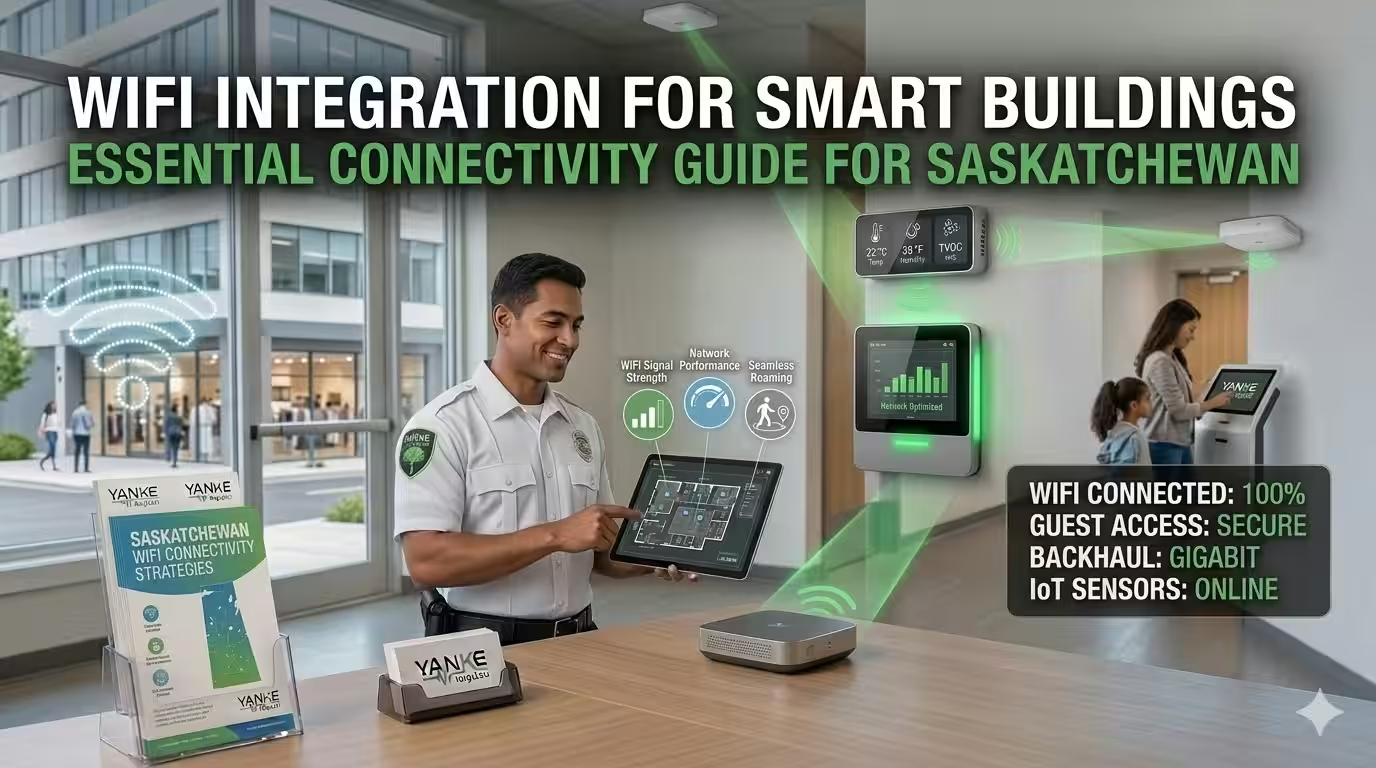
WiFi integration for smart buildings is no longer a luxury—it’s a foundational requirement. Whether you’re managing a residential complex, commercial office, or multi-dwelling property in Saskatchewan, reliable network connectivity determines whether your smart home automation systems perform seamlessly or fail when you need them most. At Yanke Digital, we’ve designed and installed WiFi integration solutions for hundreds of properties across Saskatchewan, and we understand that every building has unique connectivity challenges.
This guide walks you through what WiFi integration for smart buildings actually means, why it matters for your automation systems, and how to ensure your network infrastructure supports all your connected devices without compromise.
What Is WiFi Integration for Smart Buildings?
WiFi integration for smart buildings refers to the design, deployment, and management of a unified wireless network that supports all connected devices—from security cameras and smart locks to thermostats, intercoms, and environmental sensors—across your entire property.
Unlike a standard home or office WiFi network designed primarily for laptops and phones, a smart building WiFi infrastructure must handle:
- Multiple simultaneous device connections without bandwidth bottlenecks
- Consistent coverage across all zones (including basements, outdoor areas, and metal-framed walls)
- Low-latency communication for real-time security and access control
- Reliable handoff between access points as devices move throughout the building
- Network segmentation to isolate smart home devices from general office or resident traffic
- Integration with your building management system (BMS) or custom software platform
In Saskatchewan’s climate and building styles—from older residential homes with thick walls to sprawling commercial properties—proper WiFi integration requires more than just placing a router in the center of your space. It demands strategic planning, professional-grade equipment, and ongoing optimization.
Why WiFi Integration Matters for Smart Building Performance
A poorly designed network doesn’t just slow down your internet browsing. It directly impacts the reliability of your smart building systems.
Security & Access Control Depends on Connectivity
Smart locks, intercoms, and security systems must communicate instantly with your central control system. A WiFi dropout means residents can’t unlock doors, visitors can’t be buzzed in, and security alerts may be delayed. For commercial buildings, this translates to operational disruption and potential safety risks.
Climate Control Requires Consistent Communication
Smart thermostats and environmental sensors need reliable, low-latency connections to adjust temperature settings and respond to occupancy changes. Intermittent WiFi causes temperature swings, wasted energy, and resident complaints.
Surveillance & Monitoring Systems Need Bandwidth
Security cameras transmit continuous video streams. Without adequate bandwidth and network stability, you’ll experience dropped frames, delayed alerts, and poor video quality when you need evidence most.
Flood Detection & Environmental Sensors Require Real-Time Alerts
Water leak sensors and environmental monitoring devices must send alerts immediately. A delayed WiFi connection could mean the difference between catching a leak early and facing thousands in water damage.
Building WiFi Infrastructure: Key Design Principles
Effective WiFi integration for smart buildings starts with proper infrastructure design. Here’s what separates a professional installation from a DIY approach:
1. Site Survey & Coverage Planning
Before installing a single access point, we conduct a detailed site survey to identify dead zones, interference sources, and optimal placement locations. In Saskatchewan buildings with concrete foundations, metal studs, and exterior walls, this step is critical. We use tools to measure signal strength, identify interference from neighboring networks, and plan for future expansion.
2. Mesh or Multi-Access Point Architecture
Single-router solutions rarely work for smart buildings. A mesh network or strategically placed access points ensures seamless coverage and allows devices to roam without dropping connections. For residential homes, one or two well-placed access points may suffice. For apartment buildings and commercial spaces, a distributed architecture is essential.
3. Bandwidth Allocation & QoS Management
Quality of Service (QoS) settings prioritize critical smart building traffic—security systems, access control, and monitoring—over general internet use. This ensures your smart home automation systems always have the bandwidth they need, even when residents or employees are streaming video or downloading large files.
4. Network Segmentation
Separating your smart building devices onto a dedicated network segment (VLAN) improves both security and performance. Guest WiFi, office networks, and smart device networks operate independently, preventing one compromised device from affecting your entire system.
5. Frequency Band Optimization (2.4 GHz vs. 5 GHz)
The 2.4 GHz band offers better range and wall penetration but is more congested. The 5 GHz band provides faster speeds but shorter range. Professional WiFi integration uses both bands strategically—2.4 GHz for devices that need range (like outdoor sensors), 5 GHz for bandwidth-intensive applications (like security cameras).
Device Connectivity Automation: Seamless Integration
Once your WiFi infrastructure is in place, device connectivity automation ensures all your smart building components work together without manual intervention.
Automatic Device Discovery & Provisioning
Professional smart building systems automatically discover new devices as they join the network and provision them with appropriate settings. You don’t manually configure each smart lock, thermostat, or camera—the system handles it intelligently.
Seamless Handoff Between Access Points
As residents or employees move through a building, their devices should seamlessly transition between access points without dropping connections. This requires careful configuration of roaming settings and access point placement—something that separates professional installations from consumer-grade setups.
Intelligent Load Balancing
When multiple devices connect to the same access point, intelligent load balancing distributes traffic efficiently. This prevents any single device from monopolizing bandwidth and ensures consistent performance across all connected systems.
Network Design for Commercial Smart Buildings
Commercial buildings present unique WiFi integration challenges. Larger square footage, more devices, higher traffic volumes, and stricter uptime requirements demand enterprise-grade solutions.
Scalability & Future Growth
Your network design should accommodate growth. A commercial building WiFi infrastructure designed for today’s 50 connected devices should easily scale to 200+ devices without requiring a complete redesign. This means choosing equipment and architecture that supports expansion and planning for additional access points before you need them.
Redundancy & Failover
For mission-critical systems like security and access control, network redundancy is essential. Backup internet connections, redundant access points, and failover systems ensure your smart building continues operating even if primary systems fail.
Integration with Building Management Systems
Commercial buildings often run sophisticated BMS platforms that monitor HVAC, lighting, occupancy, and energy use. Your WiFi integration must support seamless communication between your smart devices and these management systems, enabling centralized control and reporting.
Security & Compliance
Commercial networks require robust security protocols, encryption, and compliance with industry standards. This includes WPA3 encryption, firewall rules, intrusion detection, and regular security audits—far beyond what a residential network needs.
Reliable Smart Home WiFi: Residential Considerations
Residential smart home WiFi integration has different priorities than commercial systems, but reliability remains paramount.
Whole-Home Coverage
A single router rarely covers an entire home, especially in Saskatchewan where many properties have basements, detached garages, or outdoor spaces where you want smart devices. A mesh network or strategically placed access points ensures your smart locks, cameras, and sensors work reliably everywhere.
Balancing Performance & Simplicity
Residential systems don’t need enterprise complexity, but they do need reliability. The best residential WiFi integration solutions are powerful enough to handle dozens of connected devices but simple enough that homeowners can understand and manage them.
Integration with Smart Home Platforms
Your WiFi network should seamlessly support popular smart home platforms and devices. Whether you’re using Apple HomeKit, Google Home, Amazon Alexa, or custom automation software, your network infrastructure should be agnostic and compatible with your chosen ecosystem.
Common WiFi Integration Challenges & Solutions
Challenge: Dead Zones & Poor Coverage
Solution: Conduct a professional site survey, add mesh access points or WiFi extenders in weak areas, and optimize access point placement. In Saskatchewan homes with basements or metal-framed construction, this often means placing access points on multiple floors rather than relying on a single central location.
Challenge: Interference from Neighboring Networks
Solution: Use WiFi analysis tools to identify congested channels, switch to less-crowded frequencies, and configure your access points to automatically select optimal channels. In dense residential areas, this can significantly improve performance.
Challenge: Device Disconnections & Roaming Issues
Solution: Configure roaming settings properly, ensure consistent SSID across access points, and use 802.11k/v/w standards for seamless handoff. Professional installation includes these optimizations from day one.
Challenge: Bandwidth Bottlenecks
Solution: Implement QoS rules to prioritize smart building traffic, upgrade to WiFi 6 (802.11ax) for higher throughput, and consider dedicated networks for bandwidth-intensive applications like security cameras.
Challenge: Security Vulnerabilities
Solution: Use WPA3 encryption, implement strong passwords, enable network segmentation, disable WPS, and keep firmware updated. For commercial buildings, add firewall rules and intrusion detection systems.
Why Professional WiFi Integration Matters
You might be tempted to handle WiFi integration yourself or rely on a general IT contractor. Here’s why that often backfires:
- Smart Building Expertise: Not all IT professionals understand the specific requirements of smart home automation systems. Security systems, access control, and environmental sensors have different connectivity needs than general office networks.
- Custom Software Integration: At Yanke Digital, we don’t just install WiFi—we design custom software systems that work seamlessly with your network. This integration requires deep knowledge of both networking and smart building platforms.
- Site-Specific Optimization: Every building is different. A professional site survey and custom design ensure your network handles your specific property’s challenges—Saskatchewan’s climate, building materials, and layout.
- Ongoing Support: WiFi networks require monitoring, optimization, and maintenance. Professional support ensures your system continues performing reliably as your needs evolve.
- Future-Proof Design: A properly designed network scales with your needs. As you add more devices or expand your smart building system, your infrastructure supports growth without major redesigns.
WiFi Integration for Smart Buildings: Next Steps
If you’re planning a smart building project in Saskatchewan—whether it’s a residential home, apartment complex, or commercial office—WiFi integration should be a foundational consideration, not an afterthought.
The best time to design your network is before you install smart devices. A professional site survey and network design ensure every device you add works reliably from day one.
At Yanke Digital, we specialize in designing and installing complete smart building solutions for residential, multi-dwelling, and commercial properties across Saskatchewan. We handle everything from initial site survey and network design through professional installation, custom software integration, and ongoing support.
Ready to transform your space with reliable smart building technology? Schedule a consultation with our team to discuss your WiFi integration needs and how we can design a custom solution for your property.
Learn more about our complete smart home solutions and system support and maintenance services.
Frequently Asked Questions About WiFi Integration for Smart Buildings
How many access points do I need for WiFi integration?
The number of access points depends on your building size, layout, and construction materials. A typical rule is one access point per 1,500-2,000 square feet, but this varies. A professional site survey determines your specific needs. In Saskatchewan homes with basements or metal-framed construction, you may need more access points than the standard rule suggests.
What’s the difference between WiFi 5 and WiFi 6 for smart buildings?
WiFi 6 (802.11ax) offers faster speeds, better efficiency with multiple devices, and improved performance in congested environments. For smart buildings with dozens of connected devices, WiFi 6 provides better reliability and lower latency. However, WiFi 5 is still adequate for many residential applications if properly designed.
Can I use my existing internet router for smart building WiFi?
Consumer routers are designed for general internet use, not smart building automation. They typically lack the coverage, reliability, QoS features, and network segmentation that smart systems require. Professional-grade access points and network design are essential for reliable smart building performance.
How do I ensure my WiFi network is secure for smart buildings?
Use WPA3 encryption, implement strong passwords, enable network segmentation to isolate smart devices, disable WPS, keep firmware updated, and consider a firewall for commercial buildings. Professional installation includes these security measures from the start.
What’s the cost of professional WiFi integration for smart buildings?
Costs vary based on building size, layout, equipment choices, and integration complexity. A residential home might range from $2,000-$5,000, while commercial buildings could be significantly higher. The investment pays dividends in reliability, performance, and system longevity. Contact Yanke Digital for a custom quote based on your specific needs.