
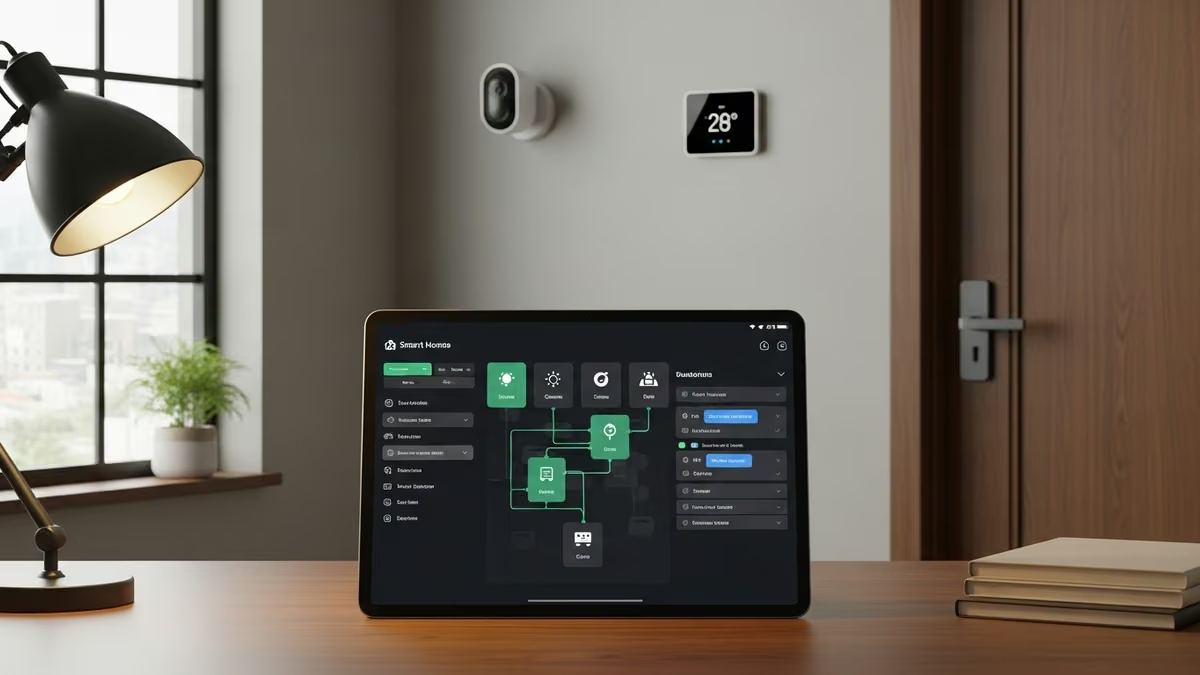
Smart home automation has transformed how homeowners and businesses manage their properties. At the heart of this revolution is automation alarm.com—a platform that empowers users to create custom rules, routines, and automations that work seamlessly across their entire ecosystem. Whether you’re automating security responses, climate control, or daily routines, understanding how to leverage automation alarm.com can dramatically simplify your life and enhance your property’s efficiency and safety.
What Is Automation Alarm.com and How Does It Work?
Automation alarm.com is the intelligent backbone of modern smart home systems. It’s a platform that allows you to create conditional automations—”if this happens, then do that”—across all your connected devices. Instead of manually controlling each device, automation alarm.com lets you set up rules that trigger actions automatically based on time, location, sensor input, or user behavior.
The platform integrates with a wide range of devices including smart locks, thermostats, cameras, sensors, and security systems. This means you can create sophisticated automations that coordinate multiple devices in response to a single trigger, creating a truly intelligent living or working environment.
Core Components of Automation Alarm.com
- Rules Builder: The interface where you define “if-then” logic for your automations
- Routine Builder: Pre-configured automation sequences for common scenarios
- Mobile App Control: Manage and monitor automations from anywhere
- Device Integration: Seamless connectivity with Z-Wave, WiFi, and other smart home protocols
- Scheduling: Time-based triggers for recurring automations
- Geofencing: Location-based automation that responds to when you arrive or leave
Common Automation Examples for Residential Properties
Real-world automation examples show how powerful this technology can be. Here are practical scenarios that homeowners are implementing today:
Security & Access Automations
- Arm on Away: Automatically arm your security system when the last person leaves home (geofence-triggered)
- Disarm on Arrival: Disarm the system when the first person arrives, with optional notifications
- Smart Lock Integration: Unlock doors automatically for authorized users, or lock all doors at bedtime
- Doorbell Alerts: Receive notifications and video feeds when someone rings the smart doorbell, with optional auto-unlock for guests
- Night Mode: Lock all doors and arm the system at a set time each evening
Climate & Comfort Automations
- Seasonal Adjustments: Automatically adjust thermostat settings based on time of year
- Occupancy-Based Control: Lower temperature when no one is home, restore comfort before arrival
- Temperature Monitoring: Receive alerts if temperature drops below a critical threshold (useful for freeze protection)
- Humidity Control: Trigger environmental sensors to activate ventilation when humidity exceeds safe levels
- Morning Routine: Gradually raise temperature 30 minutes before wake-up time for comfort
Safety & Protection Automations
- Flood Detection: Receive immediate alerts and trigger water shutoff automations when leak sensors detect moisture
- Alarm Response: Automatically unlock doors for emergency responders, turn on lights, and send notifications when alarm is triggered
- Environmental Monitoring: Track air quality and automatically activate air purifiers or ventilation systems
- Lighting Automation: Turn on lights automatically when motion is detected or when alarm is triggered
Commercial Building Automation Examples
Businesses are discovering that automation alarm.com delivers significant operational and cost benefits. Here’s how commercial properties are leveraging these automations:
Access Control & Security
- Employee Badge Integration: Automatically unlock doors based on employee credentials and time-of-day restrictions
- Visitor Management: Grant temporary access to contractors or guests with automatic revocation
- After-Hours Alerts: Receive notifications when doors are accessed outside business hours
- Surveillance Triggers: Automatically record video when unauthorized access is attempted
Energy & Operational Efficiency
- Occupancy-Based HVAC: Reduce heating and cooling in unoccupied zones or after business hours
- Lighting Schedules: Automatically turn off lights in common areas at closing time
- Equipment Shutdown: Trigger automated shutdown sequences for non-essential systems at day’s end
- Demand Response: Reduce energy consumption during peak pricing periods
Multi-Dwelling Unit Automations
- Unit-Level Control: Each resident has independent automations for their unit while building systems remain centralized
- Common Area Management: Automate lobby lighting, entrance access, and amenity spaces
- Maintenance Alerts: Automatically notify property managers of maintenance issues detected by sensors
- Utility Monitoring: Track water and energy usage per unit with automated alerts for anomalies
Building Your First Automation Alarm.com Rules
Getting started with automation alarm.com is straightforward. The platform uses an intuitive Rules Builder that requires no programming knowledge. Here’s the basic workflow:
Step-by-Step Rule Creation
- Define Your Trigger: Choose what initiates the automation (time, sensor input, device state, geofence, or manual command)
- Set Conditions (Optional): Add conditions that must be true for the action to execute (e.g., “only if alarm is armed”)
- Select Your Action: Choose what devices or systems should respond (lock, unlock, adjust temperature, send notification)
- Configure Notifications: Decide who gets alerted and how (push notification, email, SMS)
- Test & Refine: Test the automation in a safe scenario before full deployment
- Monitor & Adjust: Review logs and adjust rules based on real-world performance
Best Practices for Effective Automations
- Start Simple: Begin with single-trigger automations before building complex multi-step sequences
- Use Meaningful Names: Label rules clearly so you and your team understand their purpose
- Include Safety Overrides: Always allow manual override of automated actions, especially for security and climate
- Test Thoroughly: Verify automations work as intended before relying on them for critical functions
- Document Your Setup: Keep records of your automations for troubleshooting and future modifications
- Review Regularly: Periodically audit your automations to ensure they still meet your needs
Advanced Automation Alarm.com Features
Beyond basic rules, automation alarm.com offers sophisticated capabilities for power users and professional integrators:
Routine Builder & Sequences
The Routine Builder provides pre-configured automation sequences for common scenarios. Instead of building rules from scratch, you can customize existing routines like “Good Morning,” “Leaving Home,” or “Movie Night.” These routines can trigger multiple devices in a coordinated sequence, creating complex automations with just a few clicks.
Geofencing & Location-Based Triggers
Geofencing allows automations to trigger based on the physical location of authorized users. When the last person leaves a geofence boundary, the system can automatically arm security, lock doors, and adjust climate settings. When the first person returns, it can disarm the system and restore comfort settings. This creates a seamless, hands-free experience.
Conditional Logic & Complex Automations
Advanced users can build automations with multiple conditions. For example: “If motion is detected AND alarm is armed AND it’s between 10 PM and 6 AM, THEN turn on lights and send alert.” This level of sophistication allows you to create automations that respond intelligently to complex real-world scenarios.
Integration with Third-Party Platforms
Automation alarm.com integrates with popular smart home platforms and devices, including Z-Wave locks, WiFi thermostats, video doorbells, and professional security systems. This ecosystem approach means you’re not locked into a single brand—you can choose best-in-class devices and integrate them seamlessly.
Why Professional Integration Matters for Automation Alarm.com
While automation alarm.com is user-friendly, professional system integrators like Yanke Digital bring significant value to the table. Here’s why:
Custom Design for Your Specific Needs
Professional integrators assess your property, workflow, and goals to design automations that truly serve your needs. Rather than generic rules, you get a tailored system that reflects how you actually live or work. Yanke Digital’s custom design approach ensures every automation adds real value.
Proper Device Selection & Installation
Not all smart home devices are created equal. Professional integrators select hardware that’s reliable, compatible, and appropriate for your environment. They also ensure proper installation—poor WiFi placement or incorrect sensor positioning can undermine even the best automations.
System Reliability & Support
A poorly configured automation can create frustration or security gaps. Professional integrators test thoroughly, document your setup, and provide ongoing support. When something isn’t working as expected, you have expert help available. Yanke Digital’s support and maintenance services keep your automations running reliably 24/7.
Future-Proof Design
Professional integrators design systems with flexibility in mind. As your needs change or new devices become available, your automation framework can grow and adapt. This prevents costly rework and ensures your investment remains valuable for years.
Common Automation Alarm.com Challenges & Solutions
Challenge: Automations Not Triggering Reliably
Solution: This usually indicates connectivity issues. Ensure your hub has strong WiFi signal, devices are within range, and batteries are fresh. Professional integrators can diagnose and resolve these issues quickly.
Challenge: Conflicting Automations
Solution: When multiple automations target the same device, conflicts can occur. Professional design prevents this by creating a clear automation hierarchy and using conditional logic to prevent conflicts.
Challenge: Over-Automation Leading to Frustration
Solution: It’s tempting to automate everything, but too many automations can feel intrusive or unpredictable. The best approach is to automate only what truly improves your experience, keeping manual override options available.
Challenge: Security Concerns with Automated Access
Solution: Automated door locks and access control require careful security design. Professional integrators implement proper authentication, audit logging, and emergency override procedures to keep your property secure.
Getting Started with Automation Alarm.com in Saskatchewan
If you’re in Saskatoon or anywhere in Saskatchewan and ready to implement automation alarm.com, Yanke Digital is here to help. We specialize in designing and installing smart home and commercial automation systems that actually work.
Our process is straightforward:
- Consultation: We discuss your goals, property layout, and current systems
- Design: We create a custom automation plan tailored to your needs
- Installation: We install devices and configure your automation alarm.com rules
- Training: We ensure you understand and can confidently use your system
- Support: We provide ongoing maintenance and support for peace of mind
Whether you’re automating a single-family home, apartment building, or commercial office, we bring expertise and attention to detail. Learn more about Yanke Digital’s smart home solutions or contact us today to schedule a consultation.
The Future of Home & Building Automation
Automation alarm.com represents the current state of smart home technology, but the field continues to evolve. Emerging trends include AI-powered automations that learn your preferences, voice-controlled routines, and deeper integration with utility companies for demand response programs.
The key to future-proofing your investment is choosing a system and integrator that prioritizes flexibility and standards-based integration. Proprietary systems may offer flashy features today but can become obsolete quickly. Open platforms like automation alarm.com, combined with professional design, ensure your smart home investment remains valuable as technology evolves.
Ready to Transform Your Space with Smart Automation?
Smart home automation doesn’t have to be complicated. With automation alarm.com and professional guidance, you can create a system that simplifies your life, enhances security, and improves efficiency. Whether you’re looking to automate a single room or an entire commercial building, Yanke Digital has the expertise to design and install a solution that works.
Ready to get started? Contact Yanke Digital today to schedule a free consultation. Let’s discuss how automation alarm.com can transform your residential or commercial property in Saskatoon and Saskatchewan.
Call us at 1-888-698-8001 or visit our website to learn more about our smart home and automation solutions.