
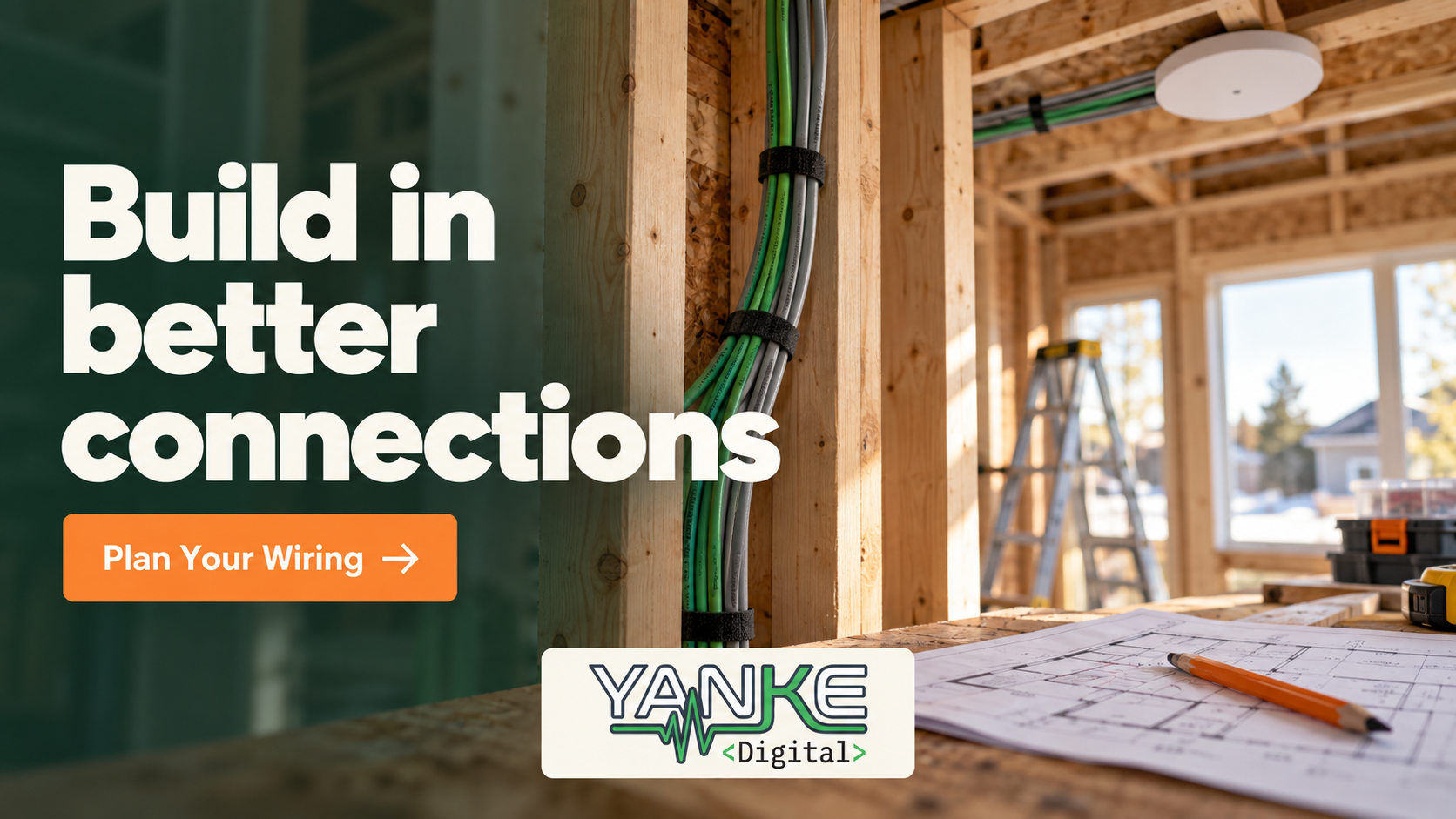
The cheapest time to future-proof your home is before the drywall goes up.
If you’re building a new home or doing a major renovation, there’s a short window when the walls are open and running cable is easy. Once drywall, paint and trim go in, that same job gets slower, messier and more expensive.
Structured wiring is a planned approach to the low-voltage cabling in your home: network cable to the places that need it, a central spot where everything comes together, and room to grow. It’s what makes strong WiFi, reliable cameras, smart home devices and home entertainment work without a tangle of extenders and adapters.
The direct advice: if the walls are open, run more cable than you think you need, bring it all back to one organized location, and add conduit where you can.
There’s one spot people almost always forget to wire, and it’s the one that causes the most regret later. We’ll get to it.
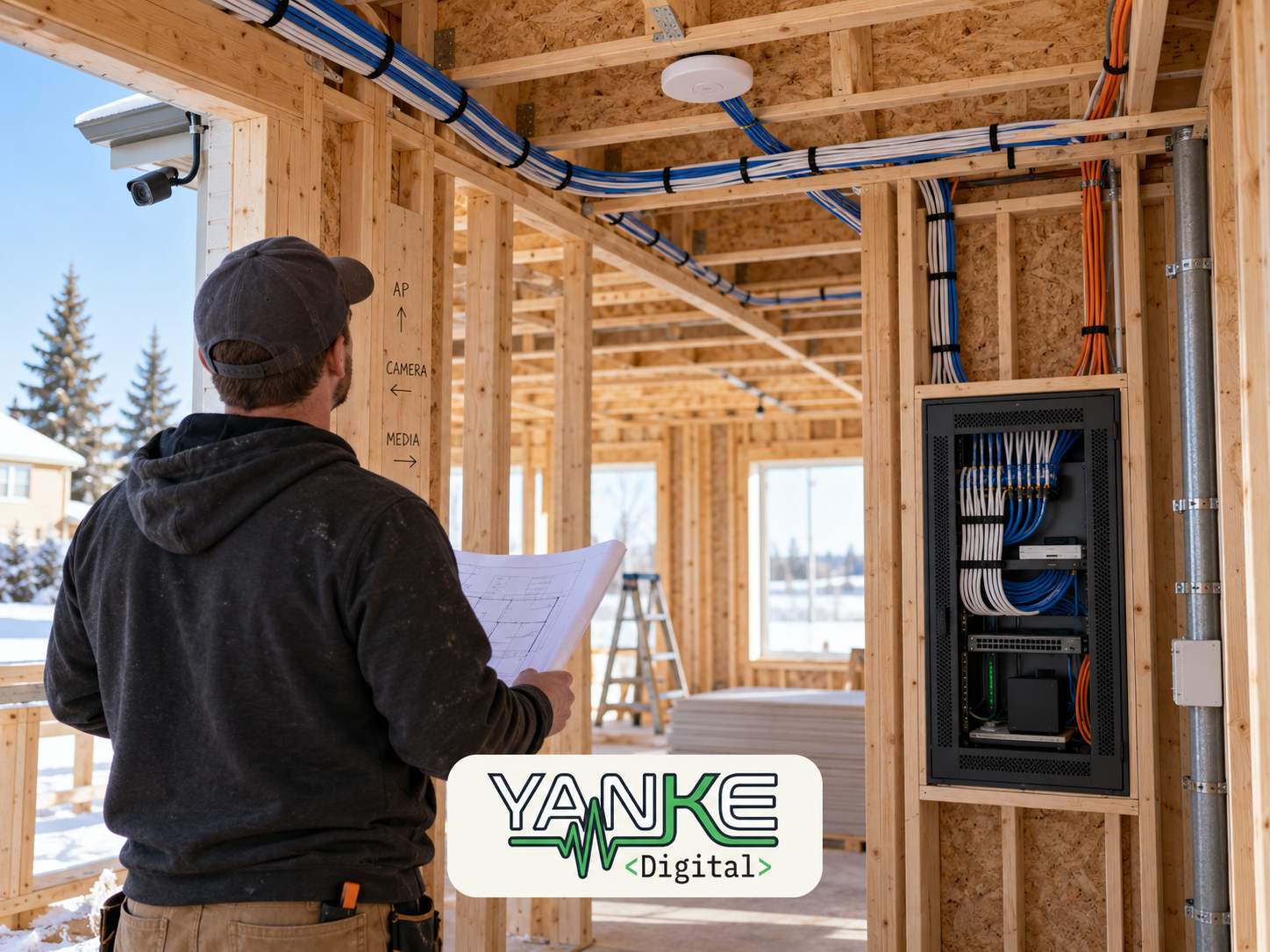
What structured wiring actually is
Think of it as the nervous system of the house. A typical setup includes:
- Network cable (commonly Cat6 or similar) running from each location back to a central point
- A central distribution point, such as an equipment rack or a structured media enclosure, where the modem, router, switches and other gear live
- Coaxial cable where needed for certain TV or antenna setups
- Conduit in key paths so new cable can be pulled later without opening walls
- Fibre in some cases, particularly for longer runs or future capacity
Everything is labelled, organized and documented, so the next person, or you in five years, can tell what goes where.
Why wired still matters in a wireless world
WiFi is great, but it shares airtime and is affected by walls, distance and interference. Wired connections are consistent.
Even a mostly wireless home benefits from cable in the right spots:
- WiFi access points in ceilings, connected by cable, give far better coverage than a single router
- Security cameras powered and connected over network cable (PoE) tend to be more reliable than battery or WiFi models
- TVs, consoles and home offices get stable connections for streaming, gaming and video calls
- Smart home hubs, intercoms and touch panels have somewhere solid to connect
Where to run cable
Every home is different, but a sensible starting list:
- Each bedroom and office
- Behind every likely TV location
- Ceilings in central spots on each floor, for WiFi access points
- Exterior corners, eaves and entrances, for cameras
- The front door, for a video doorbell or intercom
- Key wall locations for touch panels or keypads
- Garage and any detached buildings
- Wherever you might want speakers or a home theatre
If you’re unsure about a spot, a cable is usually cheap compared to retrofitting later.
The central point: plan the closet
All that cable needs a home. A dedicated, ventilated space, often in a basement mechanical area or a closet, makes it easy to install an organized equipment rack with your network gear, camera recorder and any hubs.
Give it power, airflow and enough space to work. Equipment generates heat, and a cramped, airless closet shortens its life. Electrical outlets and circuits for this space should be handled by a licensed electrician.
The spot almost everyone forgets
Here it is: the ceiling.
People remember to wire the TV wall and the home office. They rarely think about the ceiling on each floor, which is exactly where WiFi access points work best. A ceiling-mounted access point broadcasts down and out evenly, away from furniture and clutter. Without a cable there, you’re left with a router on a shelf, wireless extenders, or fishing cable through a finished ceiling later.
The same goes for exterior eaves for cameras. Both are easy with open framing and awkward without it. If you remember only one thing from this post, put cable in the ceilings.
Don’t forget conduit
Technology changes. Conduit, a pipe inside the wall that cable runs through, lets you pull new or additional cable later without cutting drywall. A conduit run from the central closet to the attic or each floor is one of the simplest ways to keep options open.
Wiring your home with Yanke Digital
We design and install structured cabling and fibre infrastructure for homes in Saskatoon and across Saskatchewan, along with organized equipment racks, WiFi coverage designed for the space, cameras, and the smart home systems that run on top.
If you’re building or renovating, it helps to talk to us early. We start with what you have: plans, existing equipment, and what you want the house to do. Then we make the scope clear, covering equipment, compatibility, installation and pricing together, so you can decide what’s essential now and what can wait. Pre-wiring for future upgrades is a common choice when budgets need to stretch.
We terminate, label and test every run, and we walk you through the system once it’s in. Support is available afterward.
Before the drywall goes up
Call us at 1-888-698-8001 while the walls are still open, or start planning in our free online project planner, no contact details needed.
Learn more about our home services on the smart technology page.