Renting? You can still have a smart home, and get your deposit back.
You don’t need to own your place to make it smarter. Plenty of smart home technology is designed to plug in, stick on or sit on a shelf, then come with you when you move. No drilling, no rewiring, no awkward conversation at move-out.
The rule of thumb is simple: if it plugs into an outlet, runs on batteries or replaces something without tools, it’s usually renter-friendly. If it touches wiring, plumbing or the door hardware, ask first.
Honestly, much of this is easy to do yourself. But there’s one thing renters often struggle with that no plug-in gadget fully solves. We’ll get to it.
Renter-friendly upgrades you can usually do yourself
Smart plugs
The simplest starting point. Plug in a lamp, fan or coffee maker and control it from your phone or voice assistant, or set a schedule. Easy to take with you.
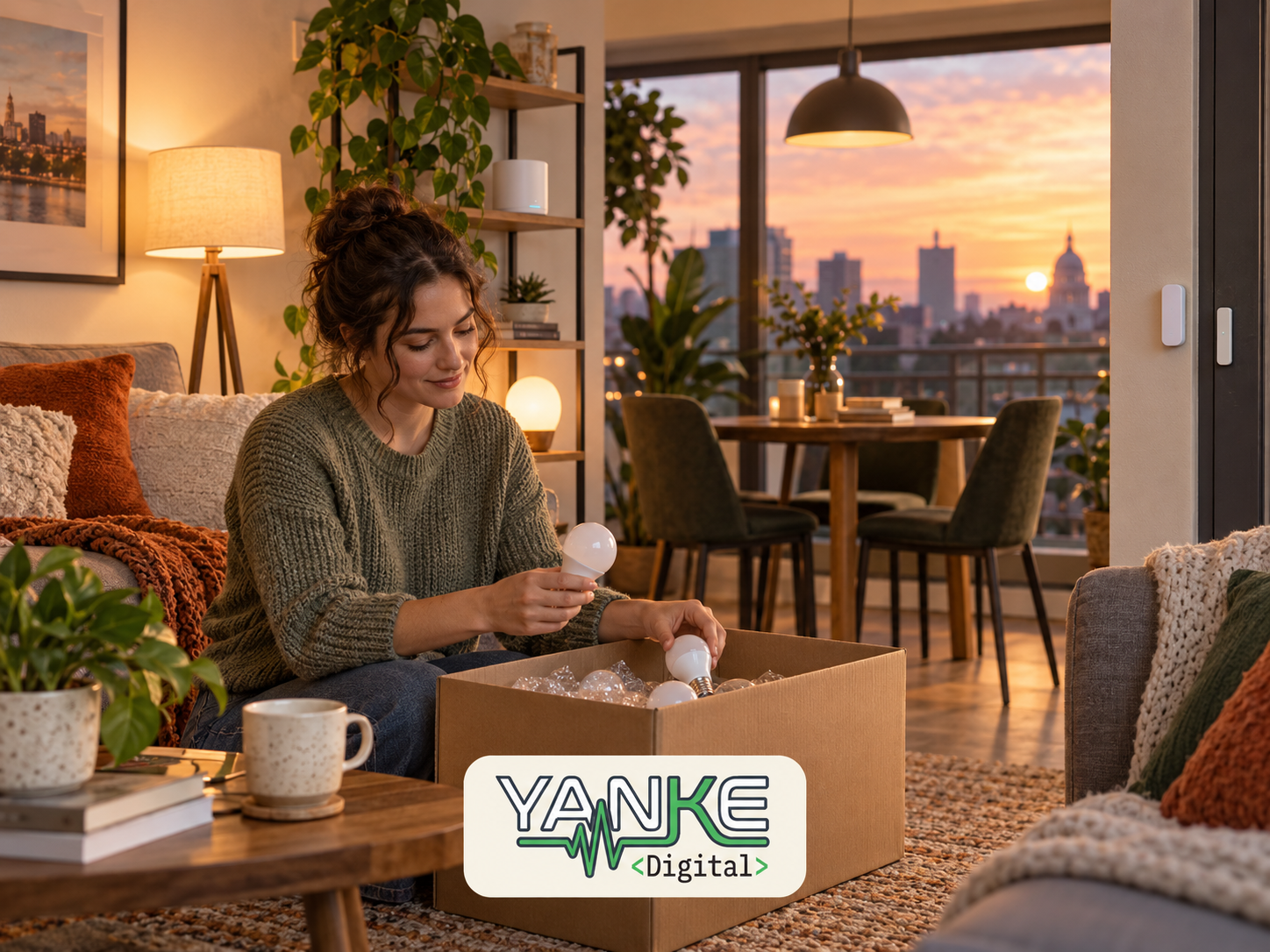
Smart bulbs and lamps
Swap your bulbs for smart ones to get dimming, schedules and colour control without touching a switch. Keep the original bulbs in a drawer to put back when you leave.
Battery-powered sensors
Motion sensors, door and window sensors, and temperature sensors usually stick on with adhesive. They’re great for triggering lights or getting alerts.
Water leak sensors
Place them under sinks, beside the washing machine or near the water heater. They sit on the floor and alert your phone if they get wet. A small, inexpensive way to catch a problem early, for you and your landlord.
Smart speakers and displays
Voice control, music, timers and a central way to run your devices. They just need a power outlet and your WiFi.
Indoor cameras
A small camera on a shelf can let you check on pets or packages. Be thoughtful about privacy for roommates and visitors, and check any rules in your lease or building.
Smart thermostat (sometimes)
This one depends. Some rentals have heating systems where a swap is simple; others don’t. Even when it’s straightforward, it involves the building’s equipment, so get permission first.
What to ask about first
Anything that changes the property should be discussed with your landlord or property manager before you start. That typically includes:
- Smart locks or anything that changes the door hardware
- Video doorbells that mount to the exterior
- Hardwired light switches or dimmers
- Thermostats
- Anything that needs drilling, wiring or plumbing
Your lease and local rules matter here, so check them and get approval in writing. Many landlords are open to reasonable requests, especially if you offer to put things back the way they were.
Tips for a smooth move-out
- Use removable adhesive strips and test them in a hidden spot first
- Keep original bulbs, switch plates and hardware in a labelled bag
- Take photos before installing anything
- Remove devices from your accounts before you leave so they can’t be accessed later
- Reset anything you leave behind (with permission) to factory settings
Picking an ecosystem that moves with you
Since you’ll likely move again, choose devices that work with the platform you already use: Apple Home, Google Home or Amazon Alexa. Devices that support the Matter standard may offer more flexibility if you change platforms later, though support still varies by device.
The problem plug-in gadgets can’t fully fix
So what’s the issue we flagged earlier? It’s WiFi.
In apartments and rental homes, you often can’t choose where the internet comes in, you can’t run cable through walls, and you may be sharing airwaves with dozens of neighbours’ networks. The router ends up wherever the outlet is, and the bedroom, balcony or back room gets a weak signal. Smart devices that depend on WiFi start dropping off or lagging.
Some of this is in your control. Moving the router to a more central, open spot often helps. A mesh WiFi system can extend coverage without any drilling. Keeping the router off the floor and away from appliances and metal can make a difference too.
But in some buildings, the real fix is at the building level: better wiring and network infrastructure installed by the owner. That’s not something a tenant can solve alone.
Where Yanke Digital fits for renters
We’ll be honest: a lot of renter smart home setup is DIY-friendly, and you may not need us at all. Where we can help is with WiFi. If your coverage is patchy, we can look at your space and advise on equipment and placement that work within the limits of a rental.
And if you’re a landlord or property manager, or you’d like to point yours our way, we design and install building-wide upgrades for multi-unit residential buildings: WiFi designed for the space, structured cabling, smart locks, intercoms and visitor access, security cameras and water detection. We start by reviewing the property and what’s already there, work out what can stay, and make the scope and pricing clear before any work begins.
Make your place work for you
Questions about WiFi in your rental? Call 1-888-698-8001 or try the free project planner, no contact details needed.
Property managers and building owners can learn more about our multi-unit building services.