
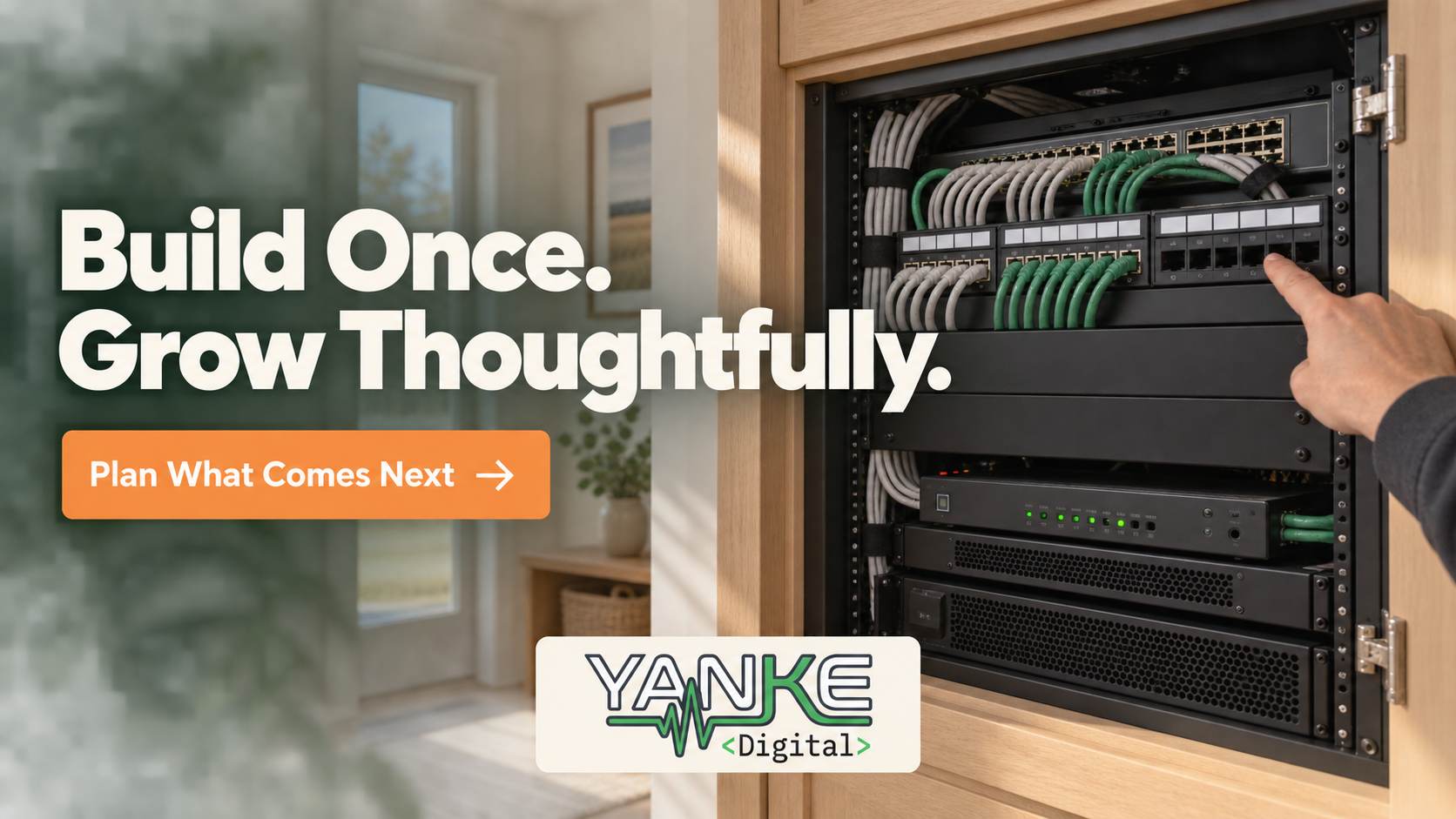
Your smart home should grow with you, not get ripped out in three years.
Nobody can predict exactly which devices will exist a few years from now. But you can build a home that’s ready for them. Future-proofing isn’t about buying the newest gear. It’s about getting the foundation right, choosing flexible platforms, and planning the whole picture even if you build it one step at a time.
Do that, and adding something new later is a small job, not a renovation.
There’s one decision in particular that determines how easily your system can grow. Most people make it without realizing they’re making it at all. We’ll get there.
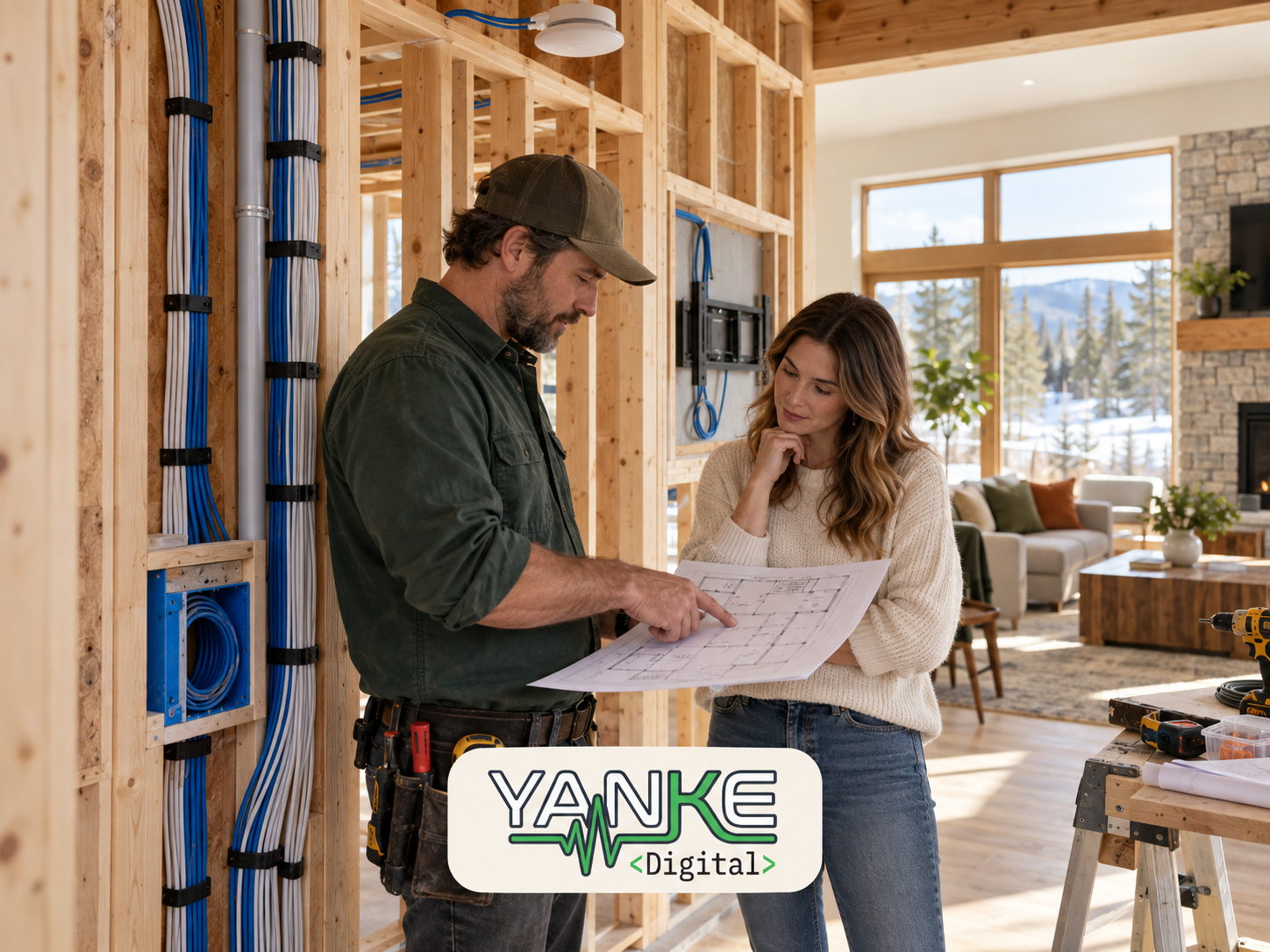
Devices change. Infrastructure lasts.
Smart devices are a bit like phones. They improve, get replaced, and sometimes lose support from their makers. That’s normal. What shouldn’t change every few years is the stuff behind the walls.
Think of your smart home in two layers:
- The devices: cameras, locks, sensors, speakers, bulbs, thermostats. These will come and go.
- The infrastructure: network cabling, fibre, WiFi access points, equipment rack, power and the core of your network. This should last a long time.
If you invest in the infrastructure, swapping devices later is easy. If you skip it, every upgrade becomes a workaround.
Start with the network
A reliable network is the single most important part of a scalable smart home. Every new device you add puts more demand on it.
- WiFi designed for the space. Rather than one router straining to cover the whole house, plan coverage room by room with properly placed access points.
- Structured cabling. Running network cable to key spots, like TV areas, offices, ceilings for access points and exterior walls for cameras, gives you reliable connections now and options later.
- Room to grow. Choose network equipment that can handle more devices than you have today.
Give it a proper home
An organized equipment rack or panel keeps your network gear, power and connections in one tidy, ventilated place. It sounds minor, but it makes troubleshooting, upgrades and future additions much simpler. A tangle of boxes behind the TV is hard to expand. A labelled rack isn’t.
Choose platforms that play well with others
Some devices only work inside one company’s app. That’s fine until the company changes direction, or you want to add something they don’t support.
To keep your options open:
- Pick a main ecosystem that fits your household, such as Apple Home, Google Home, Amazon Alexa or Home Assistant.
- Look for devices that support the Matter standard where it makes sense. It’s designed to help devices work across ecosystems, though support still varies.
- Consider Home Assistant if you want a flexible hub that can tie many brands together and run automations locally.
- Avoid relying on obscure devices with no clear path forward.
Plan the whole picture, build in phases
You don’t need to do everything at once. But you should know where you’re headed.
Sketch out the systems you might want eventually, whether that’s security, access control, lighting, shades, audio or climate. Then plan wiring and infrastructure with that end state in mind, even if you only install one system now.
A practical sequence often looks like this:
- Network and infrastructure first
- Your top priority, such as security or access control
- Comfort features like lighting scenes, shades or audio
- Routines and controls that tie it all together
Leave a trail
A system that only one person understands isn’t future-proof. Keep a simple record of:
- What’s installed and where
- Which accounts and apps control what
- How the network is laid out
- Who to call for support
This makes upgrades easier, and it’s valuable if you ever sell the house.
The decision most people don’t realize they’re making
Here’s the one we mentioned at the start. It’s the decision to go wireless-only.
When people set up a smart home in an existing house, they often rely entirely on WiFi because it’s quick and doesn’t involve walls. For a few devices, that’s fine. But it quietly sets a ceiling on how far the system can grow. Every camera, access point and streaming device competes for the same wireless space, and WiFi signals weaken through walls and floors.
Running cable to the right places, even just a few key runs, is often what separates a system that grows gracefully from one that hits a wall. It’s much easier to plan for during a renovation or before finishing a basement than after.
That doesn’t mean everything needs a wire. It means making the wired-or-wireless choice on purpose.
Building for the long run with Yanke Digital
We’re a Saskatoon system integrator, and scalable infrastructure is a big part of what we do: WiFi designed for the space, structured cabling and fibre, and organized equipment racks.
We start with what you have, reviewing your home, existing equipment and wiring to see what can stay. We make the scope clear by talking through equipment, compatibility, installation and pricing together, with the essentials first. Then we connect it, test it, and walk you through it, with ongoing support available as your system grows.
We work with Home Assistant, Apple Home, Google Home and Amazon Alexa. You can start with one priority and add more over time.
Plan for later, start today
Want a system that’s ready for whatever comes next? Call us at 1-888-698-8001, or use the free project planner to map out where you want to end up. No contact details needed.
Learn more about our smart home services.