
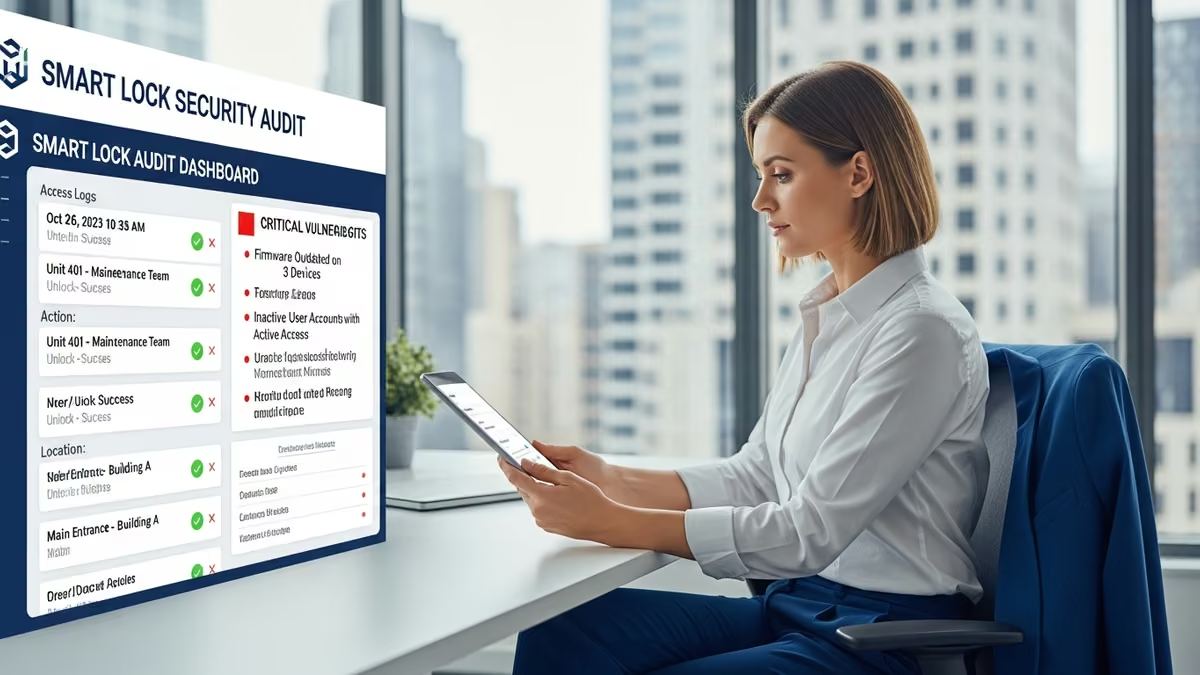
Property managers oversee access to dozens—sometimes hundreds—of doors across residential, multi-dwelling, and commercial properties. A single security gap in your smart lock system can compromise tenant safety, create liability exposure, and undermine operational efficiency. A comprehensive smart lock audit for property managers identifies vulnerabilities before they become costly problems. This guide walks you through conducting a thorough access control assessment, understanding common security gaps, and implementing solutions that protect your properties and simplify management.
Why Property Managers Need a Smart Lock Audit
Traditional locks offer limited visibility. You don’t know who accessed a unit, when they entered, or whether a key was duplicated. Smart locks change that equation—but only if they’re properly configured and regularly audited.
A smart lock audit serves multiple critical functions:
- Identifies unauthorized access patterns: Detect unusual entry times, failed access attempts, or doors left unlocked.
- Reveals configuration weaknesses: Uncover default passwords, disabled audit trails, or improperly shared credentials.
- Ensures compliance: Verify your systems meet local regulations and insurance requirements.
- Reduces liability: Document security measures and access logs to protect against tenant disputes or legal claims.
- Optimizes operations: Streamline access management, reduce emergency lockouts, and improve tenant satisfaction.
For property managers juggling multiple properties, a systematic audit transforms smart locks from a convenience into a strategic security and operational asset.
Common Smart Lock Vulnerabilities Property Managers Face
Understanding typical vulnerabilities is the first step toward addressing them. Here are the most common security gaps we see in property management environments:
1. Disabled or Missing Audit Trails
Many smart locks support detailed audit logs—but they’re not enabled by default. Without active logging, you have no record of who accessed a property, when, or how long they stayed. This creates blind spots during disputes, investigations, or security incidents.
What to check: Verify that audit trails are enabled on every lock, logs are retained for at least 90 days, and you have a process to review them regularly.
2. Weak or Shared Credentials
When multiple staff members share the same master code or app login, accountability disappears. You can’t determine who made changes, and if credentials are compromised, you can’t revoke access to a single person without affecting everyone.
What to check: Ensure each staff member has unique login credentials, temporary codes are time-limited, and master codes are rotated quarterly.
3. Inconsistent System Integration
Properties often have a mix of smart locks, intercoms, security cameras, and alarm systems that don’t communicate. This fragmentation creates operational friction and security blind spots—a tenant might bypass one system without triggering alerts in another.
What to check: Confirm all access control devices are integrated into a single management platform, events trigger across systems, and you receive unified alerts.
4. Outdated Firmware and Software
Smart locks receive security patches regularly. If your devices are running outdated firmware, they remain vulnerable to known exploits. Many property managers don’t have a systematic update process.
What to check: Document the firmware version on every lock, establish a quarterly update schedule, and verify patches are applied across all devices.
5. Poor Physical Security Practices
Smart locks are only as secure as the doors they protect. A lock on a door with a broken frame, a window nearby, or poor lighting is easily compromised. Additionally, if temporary codes are written down or shared verbally, digital security becomes irrelevant.
What to check: Inspect door frames, hinges, and surrounding areas. Ensure temporary codes are issued only through secure channels and never written down.
6. Inadequate Access Control Policies
Without clear policies, staff may grant access too liberally, forget to revoke codes when contractors leave, or fail to document who has access to which properties. This creates a sprawling, uncontrolled access landscape.
What to check: Create a documented access control policy that specifies who can grant access, how long temporary codes last, and the process for revoking access when relationships end.
How to Conduct a Comprehensive Smart Lock Audit
A thorough smart lock audit for property managers follows a structured process. Here’s a step-by-step framework:
Step 1: Inventory All Access Control Devices
Start by documenting every smart lock, intercom, keypad, and access control device across your properties. Create a spreadsheet that includes:
- Device type and model
- Location (property, building, unit, door)
- Installation date
- Current firmware version
- Management platform/app
- Last audit date
This inventory becomes your baseline for ongoing audits and helps you identify devices that need updates or replacement.
Step 2: Review Access Control Policies and Procedures
Before diving into technical details, assess your operational policies. Ask:
- Who is authorized to grant access?
- What is the process for issuing temporary codes?
- How long do temporary codes remain active?
- How are codes revoked when contractors or staff leave?
- Who reviews audit logs and how often?
- What happens if a code is compromised?
Document gaps and create a written policy that all staff understand and follow consistently.
Step 3: Audit User Accounts and Credentials
Review every account with access to your smart lock management platform. Verify:
- Each user has a unique login (no shared credentials)
- Inactive accounts are disabled
- Permissions match job responsibilities
- Multi-factor authentication is enabled
- Passwords meet complexity requirements and are changed regularly
Remove access for former employees immediately and audit the process to ensure it happens consistently.
Step 4: Examine Audit Logs and Access Patterns
Pull audit logs from your smart lock system and look for anomalies:
- Unusual access times: Entries at 3 AM when no one should be present
- Failed access attempts: Repeated failed codes suggesting someone is guessing
- Unauthorized users: Access from accounts that shouldn’t have permission
- Extended access: Doors left unlocked longer than expected
- Gaps in logging: Missing entries suggesting disabled audit trails
Investigate anomalies immediately and document findings.
Step 5: Check Firmware and Software Versions
Log into your management platform and verify the firmware version on every device. Compare against the manufacturer’s latest release. If devices are more than two versions behind, schedule updates immediately.
Create a firmware update schedule (quarterly is standard) and test updates on a non-critical device first to ensure compatibility.
Step 6: Assess Physical Security
Walk through each property and inspect doors with smart locks. Look for:
- Damaged frames or hinges that compromise lock integrity
- Nearby windows that could allow bypass
- Poor lighting that makes surveillance difficult
- Visible wear or tampering on the lock itself
- Unsecured areas where temporary codes might be written down
Document issues with photos and prioritize repairs based on security risk.
Step 7: Verify Integration with Other Systems
If you have security cameras, alarm systems, or intercoms, confirm they’re integrated with your smart lock system. Test that:
- An access event triggers camera recording
- Failed access attempts trigger alerts
- Alarm systems arm/disarm with access events
- You receive unified notifications across all systems
Integration gaps create security blind spots and operational inefficiencies.
Creating an Access Control Vulnerabilities Report
After completing your audit, document findings in a formal report. This serves as evidence of due diligence and guides remediation efforts. Your report should include:
Executive Summary
A one-page overview of audit scope, key findings, and risk level (low, medium, high).
Detailed Findings
For each vulnerability, document:
- What was found
- Which properties or devices are affected
- Potential impact (security, compliance, operational)
- Evidence (screenshots, logs, photos)
Remediation Plan
For each finding, specify:
- Recommended action
- Priority (immediate, 30 days, 90 days)
- Responsible party
- Timeline
- Success criteria
Ongoing Audit Schedule
Establish a regular audit cadence—quarterly for high-risk properties, semi-annually for standard portfolios. Document the schedule and assign responsibility.
Best Practices for Maintaining Smart Lock Security
A one-time audit is a good start, but ongoing practices keep your systems secure. Implement these habits:
Monthly Access Reviews
Review who has active access to each property. Remove codes for contractors or staff who no longer need them. This prevents credential creep and reduces the risk of unauthorized access.
Quarterly Firmware Updates
Check for firmware updates every quarter and apply them promptly. Set calendar reminders and test updates on non-critical devices first.
Seasonal Audit Cycles
Conduct a full smart lock audit at least twice yearly—ideally before peak seasons (spring for residential, fall for commercial) when access patterns change.
Incident Response Protocol
Create a documented process for responding to security incidents: unauthorized access, lost codes, suspected breaches. Include steps for immediate lockdown, investigation, and notification.
Staff Training
Ensure all staff understand access control policies, how to issue and revoke codes, and when to escalate security concerns. Annual training reinforces best practices.
How Yanke Digital Simplifies Smart Lock Audits for Property Managers
Conducting a comprehensive smart lock audit for property managers across multiple properties is complex. That’s where professional system integrators make a difference.
Yanke Digital specializes in designing and auditing integrated access control systems for residential, multi-dwelling, and commercial properties across Saskatchewan. We:
- Conduct thorough vulnerability assessments across all your properties, identifying gaps in configuration, policies, and physical security.
- Design unified access control systems that integrate smart locks, intercoms, cameras, and alarms into one intelligent platform.
- Implement custom software solutions tailored to your specific operational workflows and compliance requirements.
- Provide ongoing support and maintenance including firmware updates, access reviews, and incident response.
- Document everything so you have clear evidence of security measures and audit trails for liability protection.
Rather than managing multiple vendors and platforms, you get a single partner who understands your entire access control ecosystem and keeps it secure, compliant, and efficient.
Learn more about our security and access control solutions or explore how we help property managers with commercial building automation.
Key Takeaways: Smart Lock Audit Essentials
- A smart lock audit identifies vulnerabilities before they become security incidents, compliance violations, or operational headaches.
- Common vulnerabilities include disabled audit trails, weak credentials, inconsistent integration, outdated firmware, poor physical security, and inadequate policies.
- A systematic audit process covers inventory, policy review, credential audits, log analysis, firmware checks, physical inspection, and system integration verification.
- Document findings in a formal report with remediation timelines and assign ongoing responsibility for maintenance.
- Monthly access reviews, quarterly firmware updates, and seasonal full audits keep systems secure long-term.
- Professional system integrators can streamline audits, design unified platforms, and provide ongoing support to reduce your operational burden.
Smart locks are powerful tools for property managers—but only when they’re properly configured, regularly audited, and integrated into a cohesive security strategy. Start with a comprehensive assessment, address vulnerabilities systematically, and establish ongoing practices that keep your properties secure and your operations efficient.
Ready to Audit Your Smart Lock System?
If you’re managing properties in Saskatchewan and want a professional assessment of your access control vulnerabilities, Yanke Digital can help. We’ll conduct a thorough audit, identify gaps, and design a remediation plan tailored to your portfolio.
Schedule a consultation with our team to discuss your smart lock audit needs. Or call us at 1-888-698-8001 to get started.