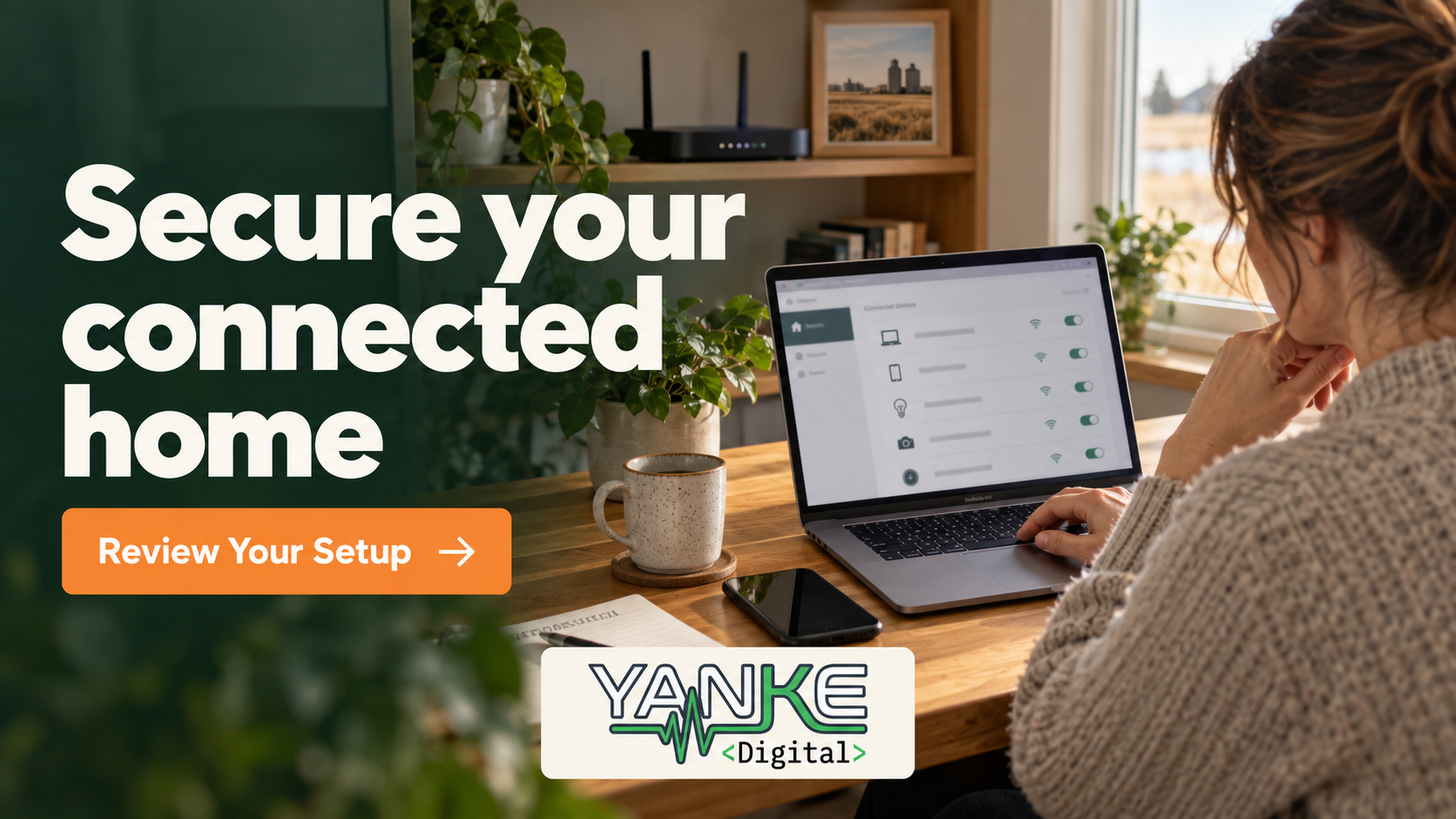
Your smart doorbell might be the weakest lock on your house.
You’d never leave the front door unlocked with a spare key taped to it. But a camera still using its factory password, a smart plug that hasn’t had an update in years, or a shared app login that a former tenant still has can do something similar for your network.
The good news is that protecting a smart home doesn’t require a security degree. Most of the risk comes down to a few basics: keep smart devices on their own network, keep everything updated, replace default passwords, turn on two-factor authentication, and know exactly who has access to your accounts.
Do those five things and you’ve closed most of the easy openings.
There’s one more weak spot, though, and it isn’t a device at all. It’s the one that’s most often left open in homes and businesses alike. We’ll get to it at the end.

Why smart devices are a target
Smart devices are small computers. Many are built cheaply, ship with simple default settings, and sit on your network for years without anyone looking at them. If one is compromised, it can potentially be used to snoop on traffic, reach other devices on the same network, or join a botnet attacking other systems.
You don’t need to panic. You just need to treat these devices like the computers they are.
1. Put smart devices on their own network
The single most effective structural step is separation. Keep your cameras, plugs, speakers, thermostats and other IoT devices on a separate network from the laptops and phones where you do banking and work.
This can be done with a dedicated IoT WiFi network, a guest network, or VLANs on business-grade equipment. If something on the IoT side is compromised, separation makes it much harder to reach your personal devices. Some setups need rules to allow things like casting to a TV across networks, which is worth planning for.
2. Keep everything updated
Manufacturers release firmware updates to fix security flaws. They only help if they’re installed.
- Turn on automatic updates where available
- Check apps for pending updates every so often
- Update your router and access points too, not just the gadgets
- Be cautious with devices the manufacturer no longer supports, and consider replacing them
3. Change default passwords
Many devices ship with a default admin password, or a simple one printed on a sticker. Change it during setup. Use a unique, long password for each device and account, and store them in a password manager rather than a note on the fridge.
Your router’s admin password matters most, since it controls everything else.
4. Turn on two-factor authentication
Most smart home apps and cloud accounts, for cameras, doorbells, locks and the platform that ties them together, support two-factor authentication (2FA). Turn it on. Even if a password leaks, someone would also need your second factor to get in. An authenticator app is generally a stronger choice than text messages when it’s offered.
5. Review who has access
Over time, access spreads. A family member who moved out. A babysitter. A contractor. A previous owner whose account is still linked to the thermostat.
Every few months:
- List who can log in to each app and system
- Remove anyone who no longer needs access
- Give people their own accounts instead of sharing one login
- Use guest or limited access for temporary users
- Check that you, not a previous owner or installer, are the account owner
A quick security checklist
- Smart devices on a separate network
- Automatic updates on, router included
- No default passwords anywhere
- 2FA on every account that supports it
- Access list reviewed and trimmed
- Unused devices removed from the network and accounts
- Features you don’t need, such as remote access you never use, turned off
The open door most people miss
Here’s the weak spot we mentioned: the email account.
Almost every smart home app lets you reset your password by email. That means whoever controls your email can, in many cases, take over your cameras, your locks and your doorbell. A strong camera password with 2FA doesn’t help much if the email it resets to has a weak, reused password and no second factor.
So secure the email address tied to your smart home accounts first. Strong unique password, 2FA, and a recovery phone and address you actually control. It’s the master key, and it deserves to be treated like one.
Secure by design with Yanke Digital
Security is built into how we set up networks and smart systems for homes, businesses and multi-unit buildings in Saskatoon and across Saskatchewan. That includes WiFi designed for the space with separate networks for smart devices, organized equipment, and careful setup of cameras, locks, intercoms and the platforms that tie them together.
We start with what you have, reviewing your existing equipment, network and accounts to see what can stay and what needs attention. We make the scope clear, covering equipment, compatibility, installation and pricing together. Then we configure and test everything, and walk you through managing access and updates so you stay in control. Ongoing support is available.
We’re not a cybersecurity monitoring service, but we can make sure your smart home is set up on solid ground.
Lock the digital door too
Call 1-888-698-8001 to talk through your setup, or start with our free project planner. No contact details needed.
Explore our services for homes, businesses and multi-unit buildings.