
Stop driving back to check that you locked up.
You’ve been there. You’re halfway home, or already on the couch, and the question lands: did the back door actually latch? Were the shop lights left on? Is the heat still running for a building with no one in it?
The fix isn’t a better memory. It’s a closing routine that runs on its own and lets you confirm the result from your phone. When lighting, temperature, door access and cameras work together on a schedule, "closing up" stops being a checklist one tired person has to get right every night. It becomes something the building does, and you simply review.
That’s the core idea. Set your closing hours once, build in the exceptions, and let the systems coordinate.
But most businesses that try this run into the same snag, and it’s rarely the equipment. There’s one piece of the routine that gets skipped almost every time, and it’s the piece that decides whether you’ll actually trust it. We’ll get there.
What a closing routine actually does
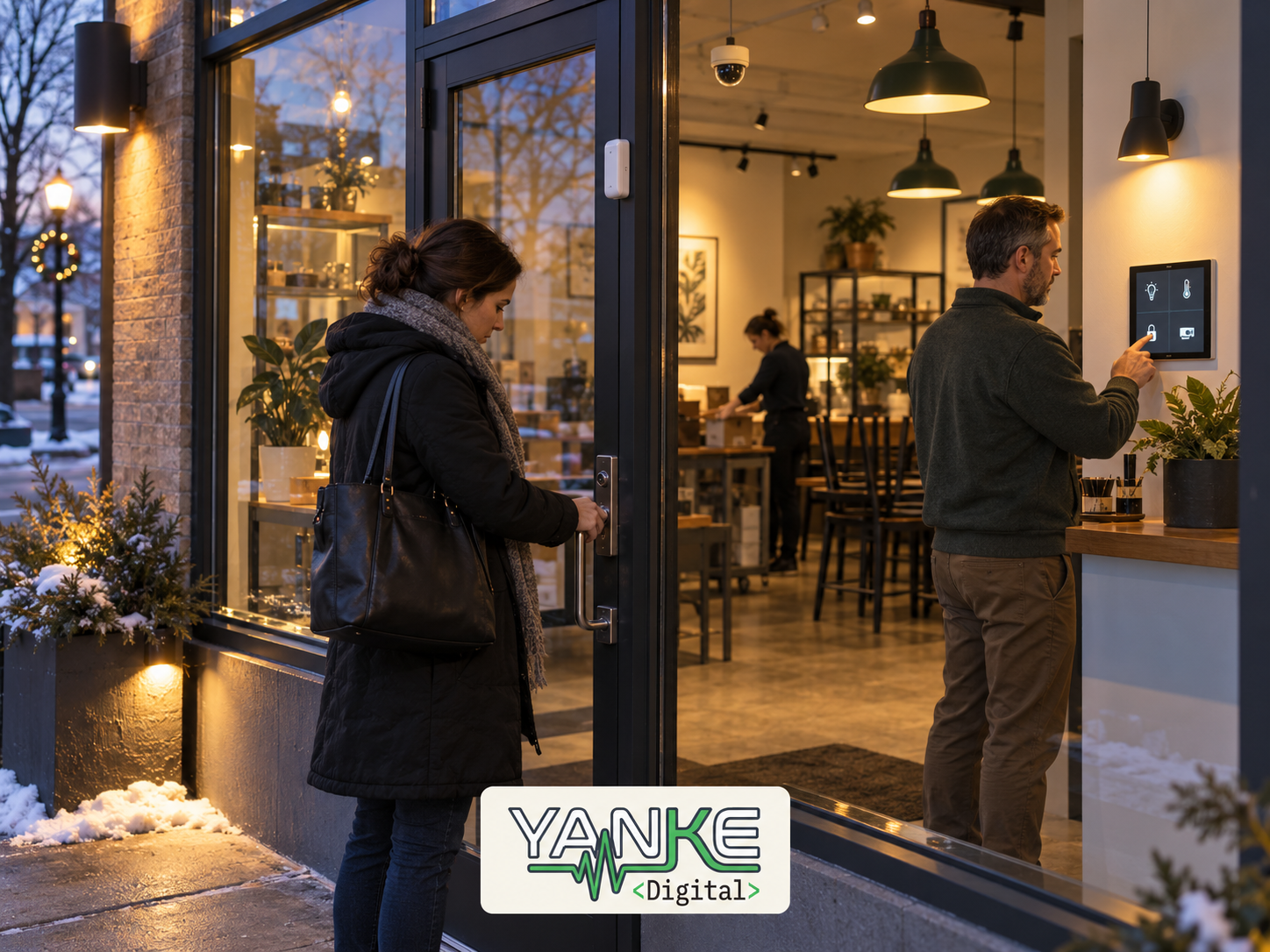
A well-built closing routine is a sequence, not a single switch. At a set time, or when the last person leaves, the building moves into its after-hours mode. That can include:
- Lighting: Interior lights step down or turn off, while selected exterior and security lighting stays on.
- Temperature: Heating or cooling shifts to an unoccupied setting rather than holding daytime comfort for an empty space.
- Door access: Scheduled access permissions change, so staff codes or credentials that work during business hours stop working after close, except for the people you choose.
- Cameras: Recording and alerts stay active, and you can review selected door and camera activity without making another trip to the building.
None of these pieces is new on its own. The value comes from them working as one routine instead of four separate apps you have to remember to open.
Plan for exceptions before you need them
Every business has nights that don’t fit the pattern. Inventory counts. A late delivery. A cleaning crew that comes in Thursdays. Holiday hours.
A routine that can’t handle exceptions gets switched off within a month. So before anything is installed, it’s worth writing down:
- Your normal closing time for each day of the week.
- Who needs after-hours access, and on which days.
- Recurring exceptions, like cleaners, deliveries or seasonal hours.
- One-off exceptions, and who’s allowed to make them.
- What you want to be told about after close, and what you’d rather not hear about.
That last point matters more than people expect. If every motion event pings your phone, you’ll start ignoring them. A good setup sends the alerts that matter and quietly logs the rest.
Reviewing activity without the drive
The real relief of an automated close is being able to check instead of wonder. From a compatible app, you can see whether the doors are locked, look at the camera view of the entrance, and confirm the lights and temperature have changed over.
If something looks off, you can often deal with it remotely: lock a door, turn off a light, or adjust an access permission for someone who needs to get in early tomorrow. When you genuinely need to go back, you’ll know why before you get in the car.
A quick note: an automated routine isn’t the same as a monitored alarm service, and it doesn’t replace one if that’s what your insurer or situation calls for. It’s worth asking your insurer what they expect for after-hours protection.
The step everyone skips
Here’s the gap we mentioned. Most closing routines fail not because the hardware is wrong, but because nobody tested the routine against a real night.
Configuration on paper looks fine. Then the first Tuesday, the routine fires while someone is still in the back office, the lights go dark on them, and the routine gets disabled "for now." Or a door reports as locked because the lock engaged, while the door itself was never fully closed.
Testing means running the routine end to end, on actual closing nights, with the actual staff. It means checking edge cases: what happens if someone is still inside, what happens on a holiday, what happens if the internet drops. And it means showing the people who close up how to see the result and how to handle an exception.
When a routine has been tested this way, people trust it. When it hasn’t, they go back to driving back.
How Yanke Digital sets up after-hours routines
At Yanke Digital, we build closing routines for Saskatoon and Saskatchewan businesses with that testing step treated as part of the job, not an extra.
We start with what you have. Your existing locks, cameras, lighting and thermostats may be able to stay, and we’ll review your building, wiring and the everyday frustrations that come with closing up. Then we make the scope clear, covering equipment, compatibility, installation and pricing together, so you know what’s essential and what can wait.
Once it’s installed, we connect it and test it on your real schedule, including the exceptions. Then we walk through the controls with the people who actually close up, so the routine is something they can use and adjust. Ongoing support is there if your hours or staff change.
You don’t need to automate everything at once. Some businesses start with door access and add lighting and climate later.
Ready to close up with confidence?
Give us a call at 1-888-698-8001 to talk through your closing routine, or put together a starting point with our free online project planner. It doesn’t ask for contact details. You can also learn more about our commercial services.