
Who has a key to your business right now? Do you actually know?
Think about every key that’s been handed out over the years. Current staff. Former staff. The cleaner. The contractor who did the renovation. The manager who left and "definitely returned it." For most small and mid-sized businesses, the honest answer is: you’re not completely sure.
That’s the problem access control solves. Instead of physical keys that can be copied, lost or never returned, each person gets their own credential, such as a code, fob, card or phone, that you can add, limit or remove in moments. You can see who came in and when, and you can lock things down without calling a locksmith.
For many businesses, it’s one of the most practical security upgrades available.
But here’s the thing. Plenty of businesses install access control and still end up with the same old problems a year later. The reason isn’t the hardware, and we’ll get to it.
Why traditional keys fall short
- You can’t un-give a key. When someone leaves, the only real fix is changing the locks.
- Keys get copied. You may not know how many exist.
- No record. A key doesn’t tell you who opened the door at 11 p.m. on a Sunday.
- One size fits all. A key to the front door is a key to the front door, any time of day.
What modern access control offers
Individual credentials
Each employee, cleaner or contractor gets their own access. When their role changes or they leave, you remove it. No re-keying.
Schedules and zones
Front-of-house staff might have access during business hours only. Managers might have after-hours access. The server room, stock room or office with sensitive files can be restricted to the few people who need it.
Activity history
See who entered which door and when. That’s useful for security, and also for practical questions like who opened up this morning.
Remote control
Unlock the door for a delivery or service visit from your phone, or lock everything down if something seems off.
Visitor management
Video intercoms at the entrance let staff see and speak with visitors before letting them in, which is especially helpful for offices without a full-time reception desk.
Connecting access control with cameras
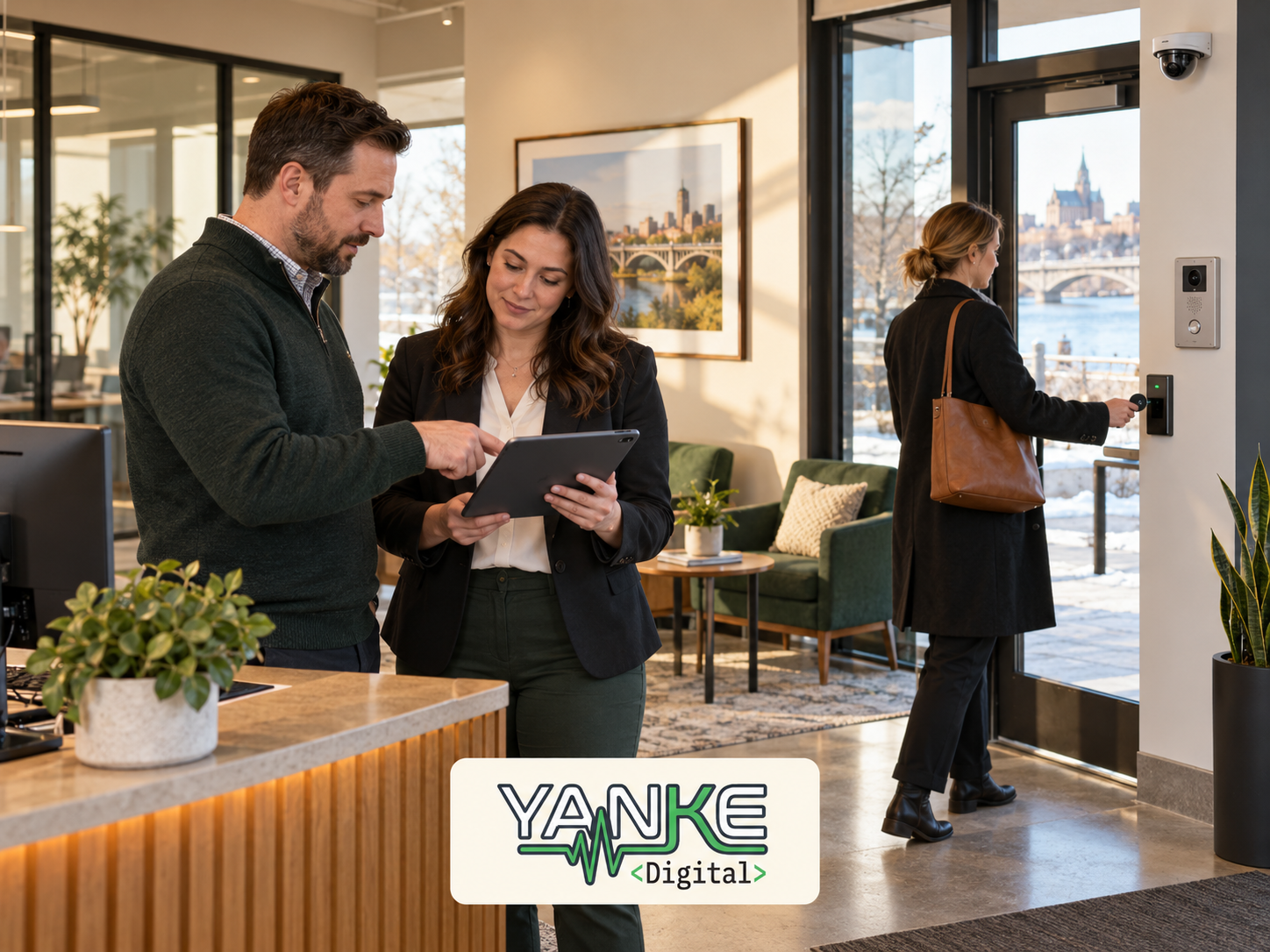
Access control and cameras are stronger together. When a door is opened, cameras can provide the matching video. When someone buzzes in, staff can see who’s there. Over time, this gives you a clear picture of activity without having to scroll through hours of footage.
Good camera planning for a business usually covers:
- Entrances and exits
- Parking areas and loading doors
- Cash handling or high-value stock areas
- Reception and visitor areas
Rules around workplace cameras and recording can vary, so check with your local authority or advisor about what applies to your business, and let staff know where cameras are.
A quick access audit for your business
- How many physical keys exist, and who has them?
- When someone leaves, how quickly is their access removed?
- Which areas should be restricted to certain people?
- Do you need to know who entered after hours?
- How do visitors and deliveries get in today?
- Who on your team manages access, and do they find it easy?
Why some access systems fail
Here’s the answer from earlier. The most common reason access control disappoints is that nobody owns the process.
The system gets installed, codes get handed out, and then no one is responsible for keeping the user list current. Former employees stay active. Shared codes spread around. The software is so confusing that only one person knows how to use it, and they’re on vacation. Within a year, you’re back to not knowing who can get in.
The fix is a system that’s simple enough for a manager to update in a minute, plus clear habits: add people when they start, adjust when roles change and remove them on their last day.
Where Yanke Digital comes in
Yanke Digital designs, installs and supports access control, smart locks, intercoms, visitor access and security cameras for Saskatoon businesses. We also handle the infrastructure underneath, including structured cabling, organized equipment racks and business WiFi, so everything stays reliable.
We start with what you already have, reviewing your doors, existing locks, cameras, wiring and the day-to-day frustrations your team deals with, and figure out what can stay. We make the scope clear, discussing equipment, compatibility, installation and pricing together, so you can prioritize key entrances first. After configuring and testing the system, we train the people who will manage it, so adding and removing access is quick and easy. Ongoing support is available as your business grows.
Know exactly who can get in
Ready to replace the key ring with something you can actually manage? Call 1-888-698-8001, or map out your doors and priorities with our free project planner, no contact details needed. Prefer to write? Reach us through our contact form.
Learn more on our Commercial page.