
Where does your camera footage really go? The local vs. cloud question.
Most people never think about where their camera footage ends up until something happens. Then the questions come quickly. Is it saved? For how long? Who else can see it? Does it still record if the internet goes down?
Here’s the short answer. Smart home data usually lives in one of two places: locally, on a device in your home like a recorder, hub or memory card, or in the cloud, on a company’s servers. Many systems use both. Local tends to give you more privacy and keeps working without the internet. Cloud makes remote access easy and keeps a copy safe if a device is stolen or damaged.
Neither is automatically better. The right answer depends on what you’re protecting and how you want to use it.
There’s one scenario that shows whether a setup is truly well designed, and most people never test it. We’ll get to it near the end.
What "local" means
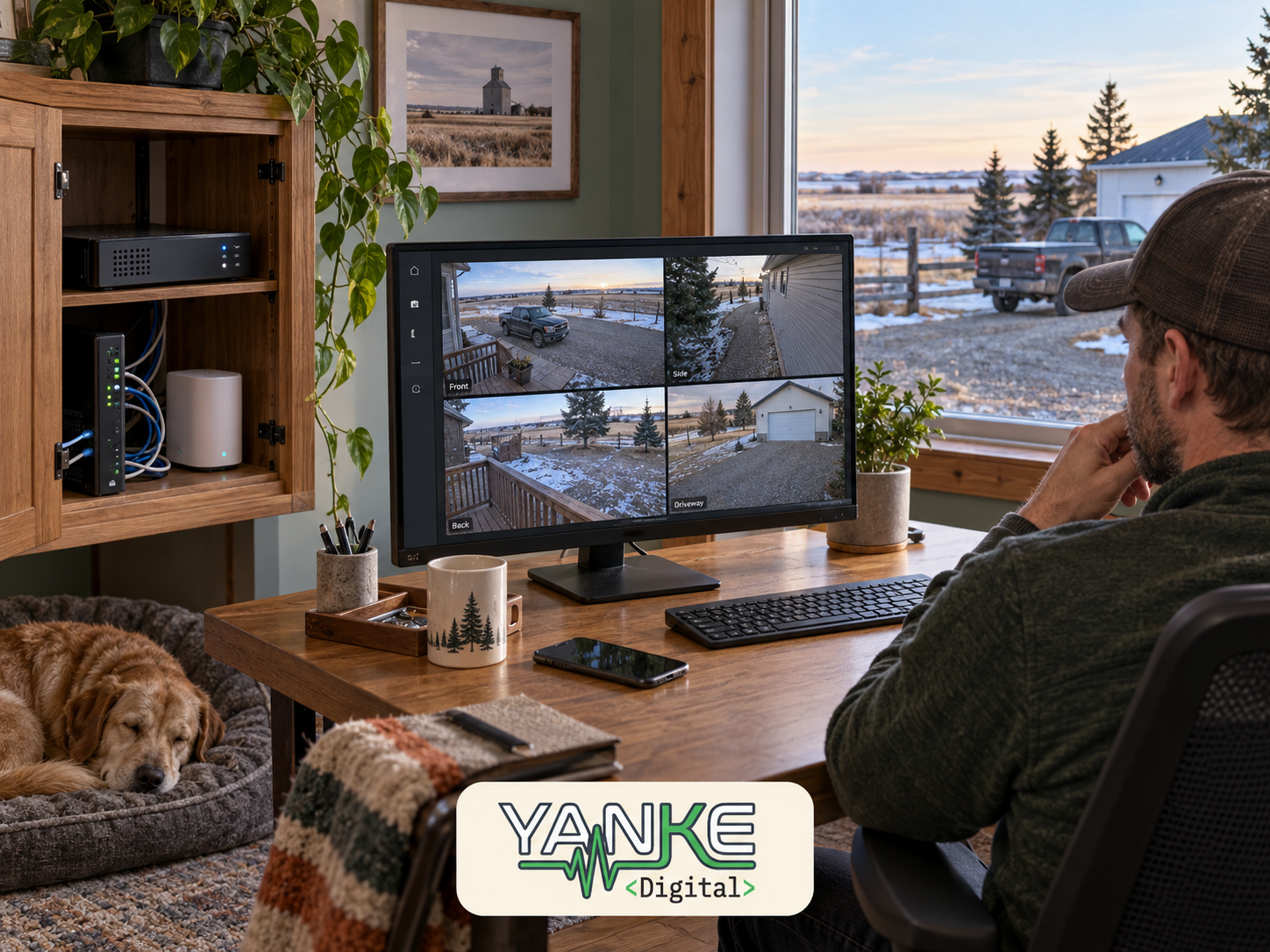
With local storage, footage and data stay on equipment in your home or building. That might be:
- A network video recorder (NVR) connected to your cameras
- A memory card inside the camera
- A home server or hub, like one running Home Assistant
Automations can also run locally. When the hallway motion sensor turns on the light, that decision can happen inside your home without going out to the internet and back.
Strengths: more control over your data, often no monthly subscription for storage, and things keep working when the internet doesn’t.
Trade-offs: if the recorder is stolen or damaged, footage may go with it. Remote viewing needs to be set up carefully and securely. Someone has to look after the hardware.
What "cloud" means
With cloud storage, footage and data are sent to the manufacturer’s servers. You view it through their app.
Strengths: easy remote access, nothing to maintain at home, and footage is stored away from the property. Some advanced features, like certain AI search tools, may depend on cloud processing.
Trade-offs: there’s often an ongoing subscription. You rely on the company’s security, policies and continued support. When your internet is down, uploads stop and some features may not work.
The hybrid approach
Many well-designed systems do both. Cameras record continuously to a local recorder, while important clips or alerts go to the cloud. Automations run locally, while remote access goes through a secure connection. You get local reliability and an off-site copy of what matters most.
Questions to ask about any device
Before you buy or set up anything that collects data, ask:
- Where is it stored? Locally, in the cloud, or both?
- For how long? And can you change that?
- What happens if the internet goes down? Does it keep recording? Do automations still work?
- What needs a subscription? And what stops working without one?
- Who can access it? Look for strong passwords, two-factor authentication and clear sharing controls.
- Can you export or delete it?
- What happens if the company drops support for the device?
Privacy is about placement too
Where cameras point matters as much as where footage goes. Be mindful of neighbours’ yards, shared hallways and the street. For businesses and multi-unit buildings, think about who can see recordings, how long they’re kept and how requests to view them are handled. If you’re unsure about obligations for your situation, check with the appropriate authority or a legal professional.
The test most setups never get
Here’s the scenario: unplug the internet and see what happens.
Do the cameras keep recording? Do the lights still respond to switches and sensors? Do the locks still work for the people who need them? When the connection comes back, do you get a notice that the system was offline?
A system that falls apart without the internet depends on the cloud for more than you might think. A system that keeps doing its core job and catches up afterward is built on a solid local foundation. For many homes and businesses, that’s the difference between a system that’s merely convenient and one you can actually rely on.
Setting up storage that fits, with Yanke Digital
We help people decide what should stay local, what should go to the cloud and how to keep it all secure. We start with what you already have: your cameras, recorder, hubs, network and wiring, plus what you want to protect. Then we work out what can stay.
From there, we make the scope clear, including recording options, remote access, subscriptions, compatibility and pricing, so there are no surprises later. We configure the system, test it (including what happens when the internet drops), and show you how to find footage when you need it.
Get clear on where your data lives
Call us at 1-888-698-8001, or start mapping your setup with our free project planner. It works without any contact details.
Explore our services for homes, businesses and multi-unit buildings.