
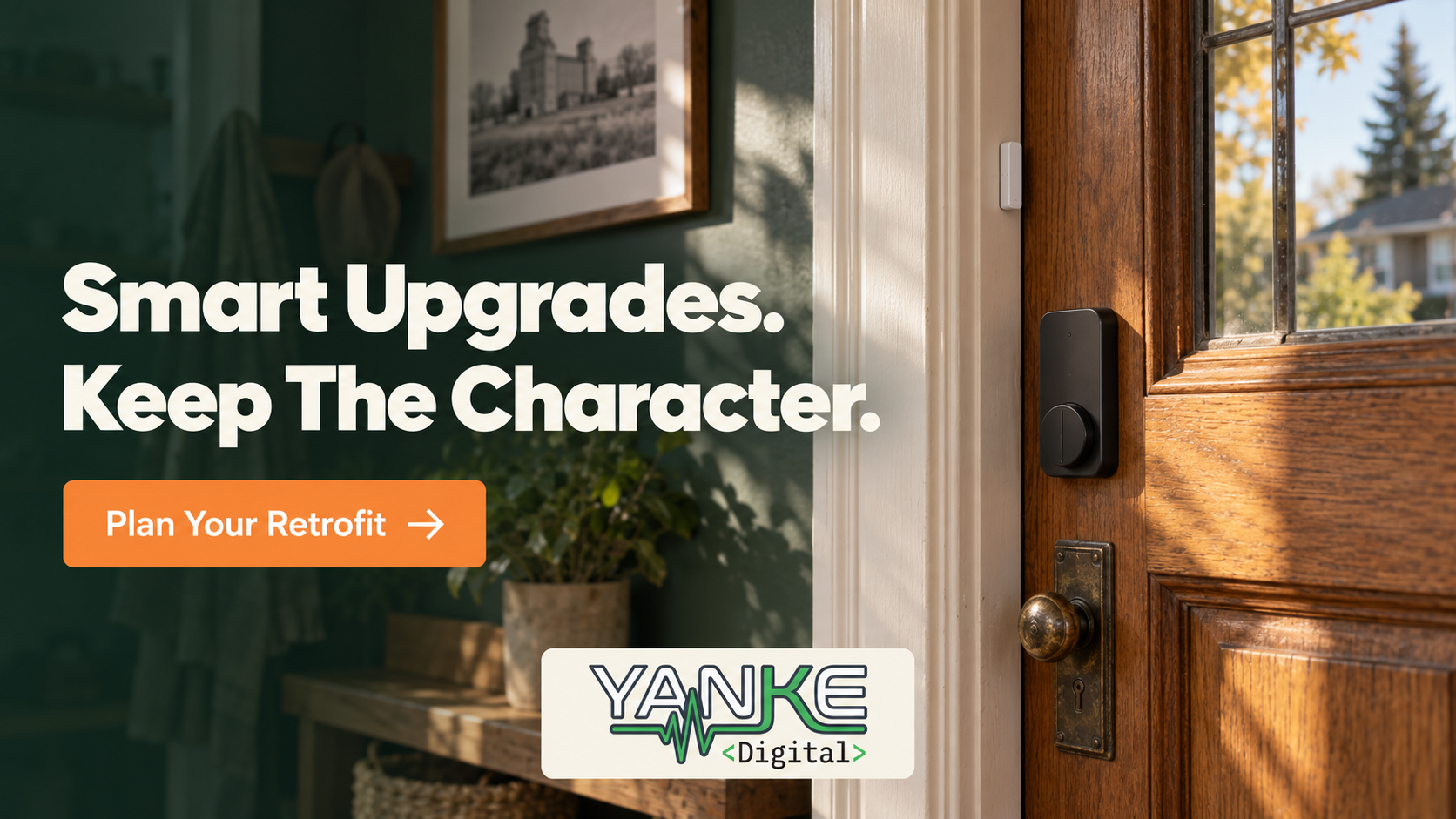
Smart building upgrades don’t always need a renovation.
If you own or manage an older home, an aging commercial space or a decades-old apartment building, you’ve probably assumed smart technology means opening walls, pulling new wire everywhere and living with contractors for months.
Often, it doesn’t. Wireless sensors, battery-powered smart locks, retrofit lighting controls and mesh networking have made it possible to add a lot of capability with very little construction. Many upgrades fit into existing boxes, existing door hardware and existing wiring paths.
The honest answer is that some things are easy to retrofit, some need a bit of creativity, and a few really do need cable in the wall. Knowing which is which is most of the battle.
And there’s one piece that decides whether a retrofit feels effortless or frustrating, and it’s rarely the gadget people are excited about. Keep reading.
What usually retrofits easily
Smart locks. Many models are designed to replace or attach to existing deadbolts. Fit depends on the door, the hardware and the lock, so it’s worth checking before you buy.
Water detection. Battery-powered leak sensors sit on the floor near water heaters, washers and sinks. No wiring needed.
Environmental sensors. Temperature, humidity and door/window contact sensors are small, wireless and easy to place.
Lighting controls. Smart switches and dimmers can often replace existing switches. A common catch in older buildings is the lack of a neutral wire in the switch box, which some smart switches need. There are models designed for no-neutral installations, and there are wireless remotes and smart bulbs as alternatives. Any electrical work should be done by a licensed electrician.
Motorized shades. Battery and rechargeable shade motors avoid running power to every window.
Climate control. Smart thermostats can often replace existing ones, though compatibility depends on your heating and cooling system and wiring.
What needs a little more planning
Cameras. Wireless and battery cameras exist, but for reliable recording, many installations use wired cameras powered over network cable (PoE). In older buildings, that means finding a path: through attics, basements, existing conduit, or surface-mounted raceways that run neatly along walls.
Intercoms and access control. Older buzzer systems sometimes reuse existing wiring, and sometimes they don’t. It depends on the building and the replacement system.
Whole-home or whole-building audio. Wireless speakers work in many cases. In-ceiling speakers need access above the ceiling.
The low-renovation toolkit
When cable is needed, there are ways to keep disruption small:
- Running through unfinished basements, attics and crawlspaces
- Using existing conduit or chases where they exist
- Clean surface-mounted raceways in utility areas
- Placing access points and equipment where the cable runs are shortest
- Combining wired backbone runs with wireless devices at the edges
The piece that decides everything: the network
Here’s the part most people skip. In an older building, the network is usually the weakest link.
Thick plaster walls, brick, concrete and old wire mesh lath can block WiFi badly. A single router in the corner of a basement may barely reach the top floor. And every smart device you add, whether it’s a camera, a lock bridge, a thermostat or a speaker, leans on that network.
So a retrofit that starts with cool devices and ignores the network often ends in dropouts, sluggish apps and devices that go offline. A retrofit that starts by planning WiFi coverage for the actual space, and running a few well-chosen cables for access points and key equipment, makes everything else work better.
Low-power wireless protocols such as Zigbee, Z-Wave and Thread can help here too, since many of their devices form a mesh and don’t each need a strong WiFi signal. Whether they fit depends on the devices and platform you choose.
A retrofit checklist
Before you start, take stock of:
- What’s frustrating day to day? Start there.
- Where’s the internet coming in, and where’s the router?
- Which rooms have weak or no WiFi?
- Do you have access through a basement, attic or ceiling space?
- What devices do you already own that might stay?
- Which upgrades are "nice to have" versus "need to have"?
Built around what you have
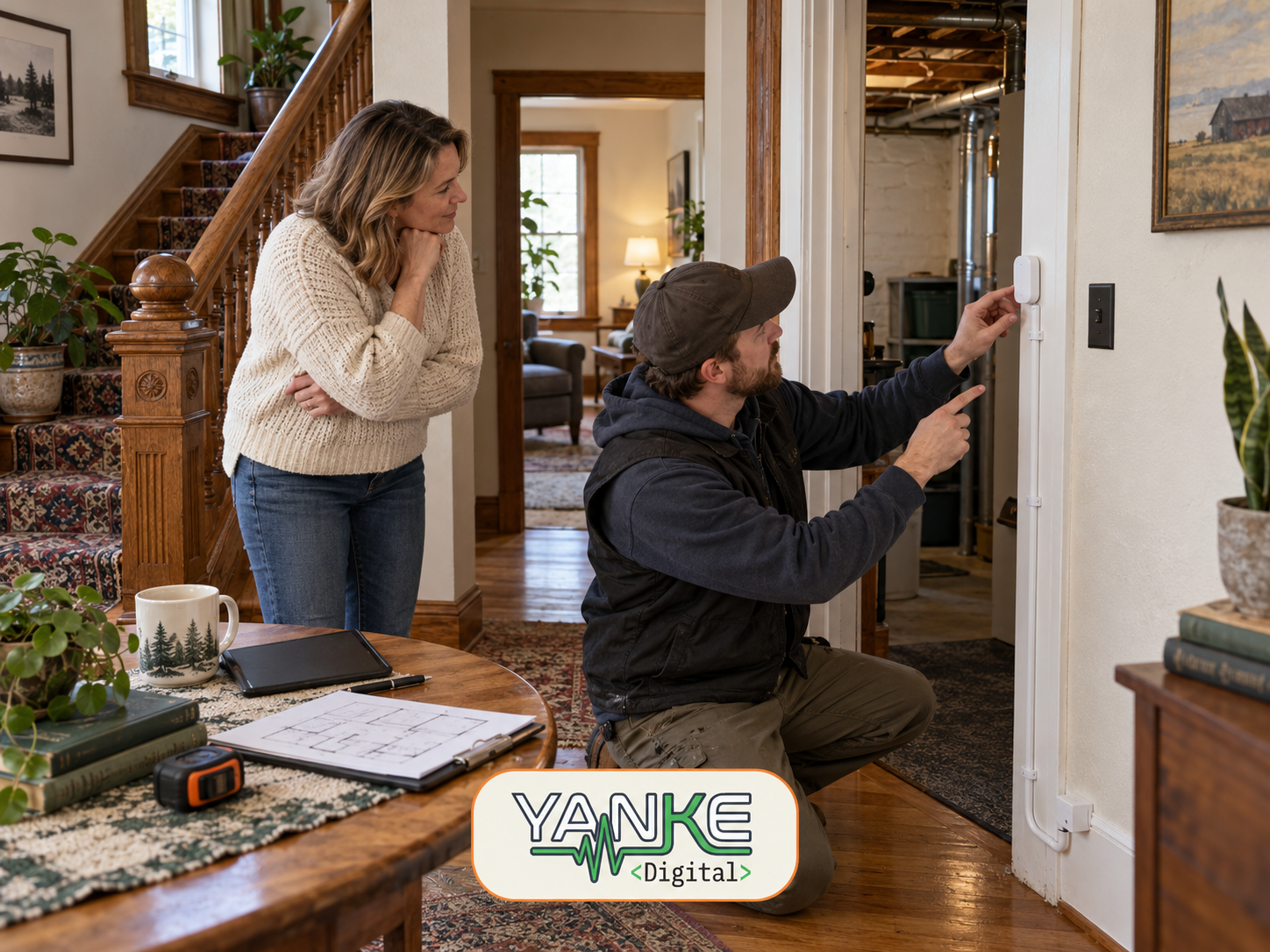
At Yanke Digital, retrofits are a natural fit for how we work. We serve homes, businesses and multi-unit buildings in Saskatoon and across Saskatchewan, and the first step is always to start with what you have. We review the property, the existing equipment and wiring, and the everyday frustrations, and figure out what can stay. We can often work with devices you already own.
Then we make the scope clear: equipment, compatibility, installation and pricing discussed together, so you can focus on the essentials. That might be WiFi coverage first, or a smart lock and a few leak sensors. You don’t have to do everything at once.
We connect and test everything, because configuration is part of the job, and then walk you through how to use it. Ongoing support is available.
Start without the sledgehammer
Call 1-888-698-8001 to talk through your building, or use our free project planner to sketch a starting point. No contact details required.
Explore our services for homes, businesses and multi-unit buildings.