
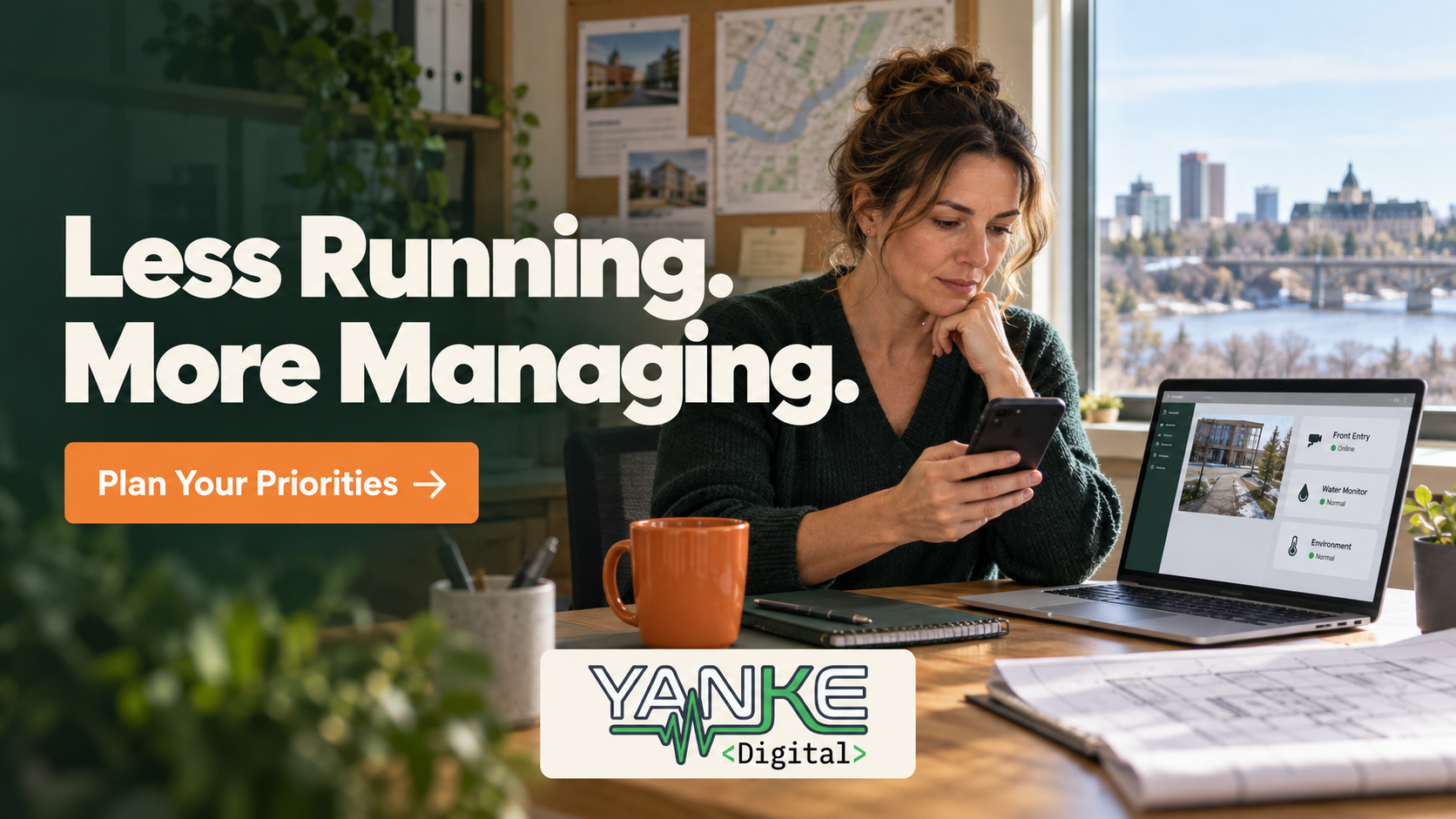
Spend less time on maintenance calls and more time managing your property.
Most property managers didn’t get into the job to drive across town to let a plumber in. Yet a surprising amount of the week goes to exactly that kind of task: unlocking doors, checking on complaints, chasing down what happened in the parkade, and finding out about a leak after it’s already through the ceiling.
The right building technology takes a lot of that off your plate. The tools that tend to help most are remote access control, water and environmental alerts, cameras you can check from your phone, and reliable building network infrastructure that holds it all together. Each one replaces a trip, a phone call or a guess with a notification and a few taps.
But there’s a trap that catches a lot of managers when they start adding tech, and it can leave you busier than before. We’ll get to it.
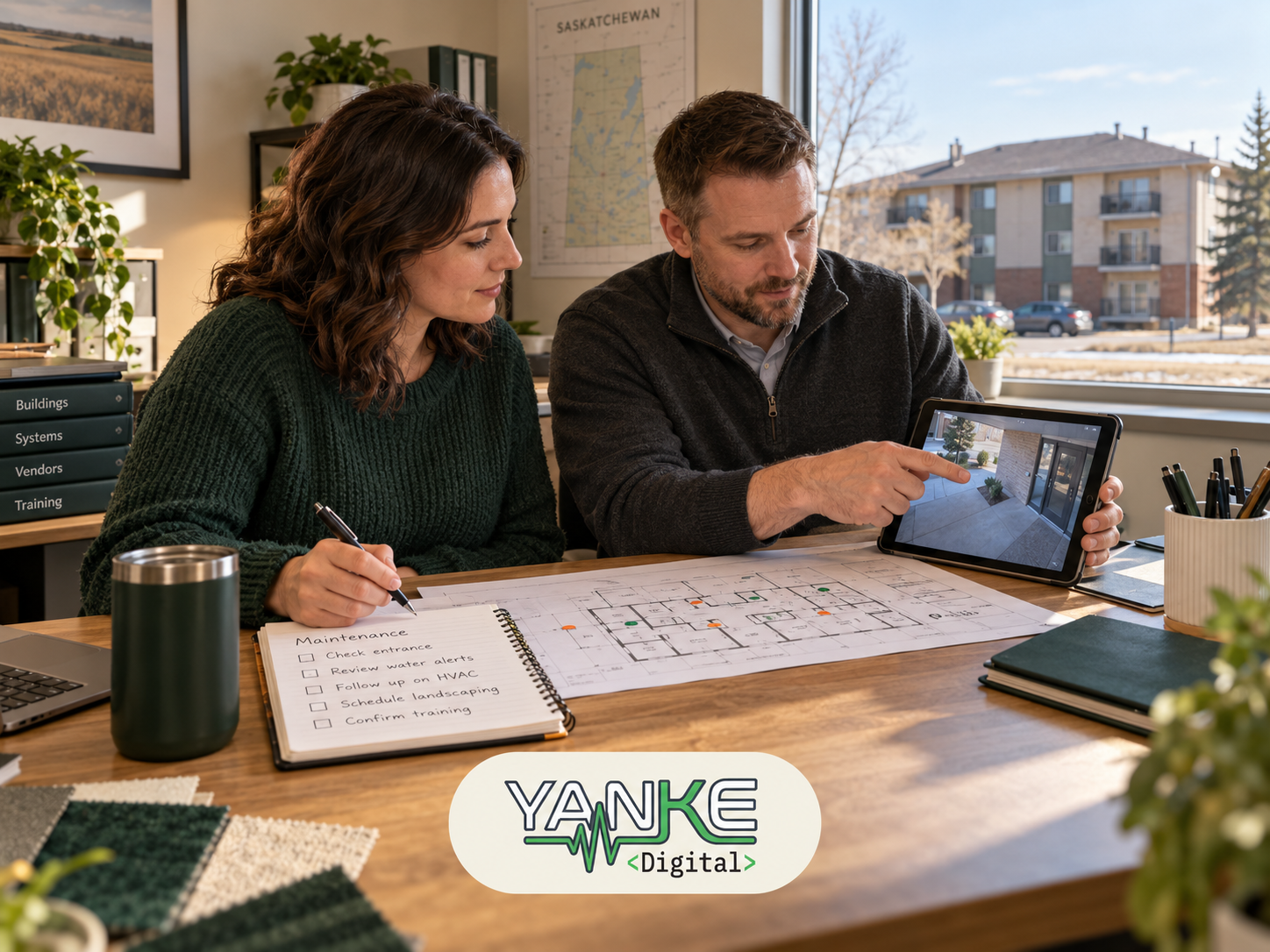
Remote access: stop being the key holder
Physical keys are a constant headache. They get copied, lost and never returned. Every contractor visit means coordinating who’s on site to open the door.
Smart locks, fob systems and intercoms with remote unlock let you:
- Let in a contractor, cleaner or inspector from your phone
- Issue temporary credentials that expire after the job
- Remove access for a former resident or vendor without changing locks
- See a log of which doors were opened, and when
That last one settles a lot of "nobody came" and "they never showed up" debates.
Leak and environmental alerts: find out first
Water damage is one of the most disruptive problems a multi-unit building can have, and the worst part is usually the delay between the leak starting and someone noticing.
Water sensors near water heaters, laundry machines, sinks and mechanical rooms send an alert as soon as they detect moisture. Temperature sensors in mechanical rooms, stairwells and unheated spaces warn you before conditions drift into freezing or overheating territory. Humidity sensors help in parkades and below-grade storage.
The point isn’t more data. It’s hearing about the problem from a sensor at the start, not from a resident hours later.
Cameras you can actually check
When a resident calls about a damaged car, a missing parcel or an unwanted visitor, you want to answer with facts. A camera system designed around entrances, parkades, mail rooms and garbage areas, with footage you can search and export from a phone or laptop, means you can check before you drive over. Confirm local privacy expectations for residential cameras before you install.
Building WiFi and cabling: the part nobody sees
Every one of those tools depends on a network. Cameras, access panels, sensors and smart thermostats in common areas need dependable connections, and a consumer router in a utility closet usually isn’t up to it.
A properly designed building network, with structured cabling, organized equipment racks and WiFi coverage planned for the space, keeps the systems online and makes troubleshooting much easier. Separating building systems from resident or guest traffic is also good practice.
A simple way to decide what to tackle first
Look at the last few months and ask:
- What did I drive to the building for? If it was mostly letting people in, start with access.
- What cost the most to fix? If it was water, start with leak detection.
- What did I struggle to answer? If it was "what happened," start with cameras.
- What kept going offline? If it was the existing tech, start with the network.
Whatever shows up most often is your first project.
The trap: five apps and no system
Here’s the trap. Many managers add tools one at a time, each from a different vendor, each with its own app, login and notification style. A year later, there are five apps on the phone, alerts that fire at different times for different reasons, and nobody else on the team knows how half of it works.
That isn’t simpler. It’s a different kind of busy.
The way out is to plan the pieces so they fit together: a shared network, consistent accounts, sensible alert rules that go to the right person, and where it makes sense, a single dashboard. Platforms such as Home Assistant can pull many devices into one place, though how well that works depends on the specific equipment. Just as important, more than one person should know how everything works.
How Yanke Digital makes it fit together
We work with property managers and multi-unit buildings in Saskatoon and across Saskatchewan to design, install and support access control, intercoms, smart locks, water detection, environmental sensors, cameras, building WiFi, structured cabling and equipment racks. Where it helps, we build custom automation routines so alerts reach the right person in the right way.
We start with what you already have. We review the property, existing equipment and wiring, and the frustrations that eat up your week, then work out what can stay. We lay out the equipment, compatibility, installation and pricing together, so you can decide what matters most. You don’t have to do it all at once.
Once it’s installed, we configure and test it properly, then walk you and your staff through the controls. Ongoing support is available for when questions come up later.
Get some of your week back
Give us a call at 1-888-698-8001, or put together a rough plan in our free online project planner. It doesn’t ask for contact details.
You can also read more on our multi-dwelling page, or our commercial page if you manage business properties.