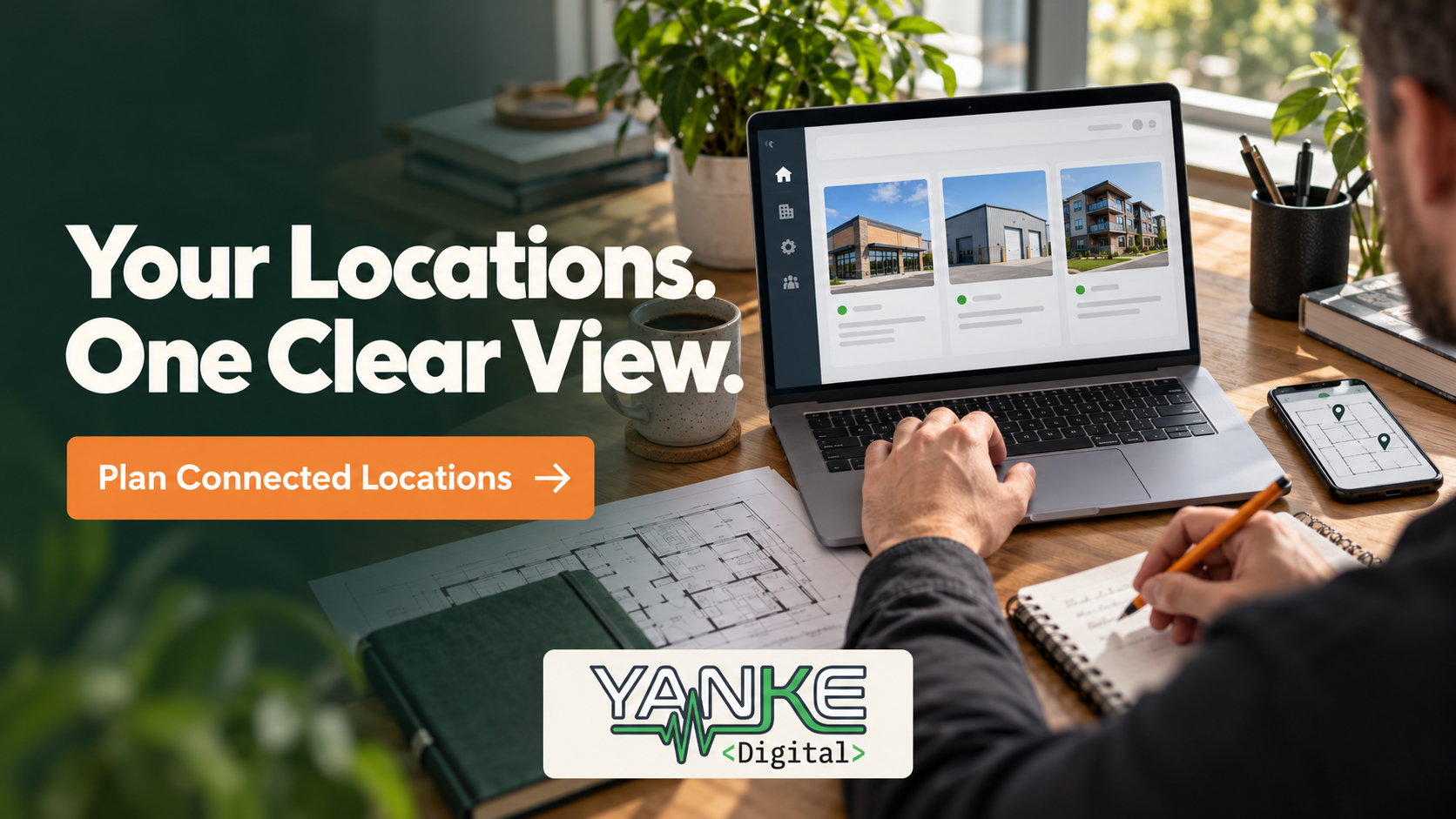
Three locations, three systems, three headaches. Let’s make it one.
Growth tends to happen one location at a time. The first site got the system you could afford back then. The second got whatever the installer recommended. The third came with equipment from the previous tenant. Now you have three sets of cameras, three ways to manage door access, and three thermostats that each behave differently.
The answer isn’t necessarily replacing everything. It’s choosing a consistent approach and moving each location toward it, so the same people can manage every site the same way from one place.
Consistency is the real goal. Same naming, same permissions, same routines, same controls. When each location works like the others, managing them stops being a guessing game.
There’s one decision that makes or breaks a multi-location setup, though, and most businesses make it by accident. It’s not which brand of camera to buy. We’ll get to it.

The hidden cost of mismatched systems
Mismatched systems cost you in ways that don’t show up on an invoice:
- Training: Every manager has to learn a different system at each site.
- Access changes: When someone leaves, removing their access means logging into several places, and it’s easy to miss one.
- Troubleshooting: Nobody knows all three setups well, so small problems take longer.
- Visibility: Checking on all your locations at closing means opening several apps.
- Inconsistent standards: One site locks itself at close; another relies on someone remembering.
What a unified setup looks like
A well-managed multi-location setup usually shares a few traits:
- A common platform or app for daily control and review across sites, where your equipment allows it.
- Consistent naming. "Front Door," "Back Door," "Stock Room" mean the same thing at every location.
- Role-based permissions. A store manager sees their site; an operations manager sees all of them.
- Shared routines. Opening and closing routines work the same way, adjusted for each site’s hours.
- A standard network and rack layout so anyone servicing one location knows their way around the others.
How to get there without starting over
You don’t have to convert every location at once. A sensible path:
- Inventory each site. List cameras, locks, access hardware, lighting and climate controls, plus the network equipment.
- Pick a standard. Decide which platform and equipment you want to grow into, based on what you need and what’s compatible.
- Keep what fits. Equipment that works with the standard can often stay.
- Prioritize by pain. Start with the location or system causing the most trouble, often access control or connectivity.
- Roll out in phases as budgets and schedules allow.
Each new or renovated location should be built to the standard from day one, so the gap gets smaller over time instead of wider.
The decision that makes or breaks it
Here’s the open loop. The decision that matters most is who owns the accounts and administration.
In many growing businesses, each site’s system was set up under a different person’s email, sometimes a former manager or an installer who’s long gone. Passwords live in someone’s head. When that person moves on, nobody can change access or add a camera without a reset.
Before connecting anything across locations, decide on business-owned administrator accounts, a clear list of who has admin rights, and a documented record of what’s installed where. Get this right and every other piece becomes easier. Get it wrong and you’ll end up with one more headache, just a bigger one.
How Yanke Digital helps businesses with multiple locations
Yanke Digital works with businesses that have more than one property, bringing their connected systems toward a consistent, manageable setup. We focus on Saskatoon and Saskatchewan, and the approach is the same at every site.
We start with what you have, reviewing each location’s equipment, wiring and the frustrations your managers deal with now, and identifying what can stay. We make the scope clear across all locations, covering equipment, compatibility, installation and pricing together, and help you decide what to tackle first.
Then we connect and test each site, with clear account ownership and permissions set up from the start. We walk your managers through the controls so everyone uses the system the same way, and offer ongoing support as you add locations.
Platforms like Home Assistant, Apple Home, Google Home and Amazon Alexa can play a role depending on the equipment and project, and we’ll be straightforward about what fits.
Make three systems feel like one
Call 1-888-698-8001 to talk through your locations, or start sketching your plan with the free online project planner. No contact details needed to use it. Read more about our commercial services.