
Your smart home isn’t broken. Your WiFi is.
The camera that goes offline every few days. The smart plug that ignores you until you unplug it. The speaker in the basement that stutters halfway through a song. It’s easy to blame the devices, and plenty of people end up returning perfectly good products because of it.
In most homes, the problem isn’t the device. It’s the network the device depends on. Every smart lock, camera, thermostat and speaker needs a steady, reliable connection to do its job. When the WiFi is weak, crowded or poorly placed, the whole system feels unreliable, even if every individual product is working exactly as designed.
The good news is that this is usually fixable without replacing everything you own.
But there’s a catch. Even people who upgrade to a faster, more expensive router often find the same problems come right back. The reason has less to do with speed than with something most people never think about.
Why smart devices are harder on WiFi than phones and laptops
Your phone and laptop are forgiving. They have decent antennas, they move around with you, and if a page loads a second slower, you barely notice.
Smart devices are different:
- They’re often in awkward places. Doorbells sit outside on exterior walls. Cameras go in garages and on soffits. Water sensors live behind the washing machine or under a sink.
- They have small, simple radios. A tiny sensor doesn’t have the antenna of a laptop.
- They need to stay connected all the time. A camera that drops for thirty seconds might miss exactly the moment you needed.
- There are a lot of them. Once you add bulbs, plugs, locks, speakers and sensors, it’s not unusual for a household to have far more connected devices than people.
Each of these puts pressure on a network that was probably set up for a few phones and a TV.
Common signs your network is the real problem
If any of these sound familiar, your WiFi deserves a closer look before you blame the device:
- Devices work fine near the router but act up in far rooms, the basement or outside
- Things drop offline at random and come back on their own
- Camera video is choppy or slow to load when you open the app
- Voice assistants respond late, or say "the device isn’t responding"
- Problems get worse in the evening when everyone is streaming
- You’ve already restarted the router more times than you can count
What actually weakens your signal
WiFi is radio, and radio signals weaken as they travel and pass through obstacles. In a typical Saskatoon home, that includes:
- Floors and walls, especially concrete foundations in basements
- Appliances and mirrors, which can absorb or reflect signal
- Distance, particularly in longer bungalows or homes with additions
- Neighbouring networks, which compete for the same airwaves in townhouses and condos
A router tucked in a cabinet, in a corner of the basement, or behind the TV is fighting all of this at once.
Quick things you can try today
Before you buy anything, a few simple changes can help:
- Move the router out into the open, ideally central and off the floor.
- Check where your problem devices are. If they’re all in one zone, that’s a coverage gap, not a device fault.
- Update your router’s firmware through its app or settings page.
- Note when problems happen. Time of day and location are useful clues.
- Don’t stack range extenders blindly. A poorly placed extender can add confusion instead of coverage.
These won’t solve every problem, but they’ll tell you a lot about where the weak points are.
The part most people never see
Here’s the answer to the catch from earlier. A faster router doesn’t fix a home where the signal has to fight through three floors and a concrete wall to reach a doorbell. Speed is only one piece. What matters more is coverage design: where access points are placed, how they connect back to each other, and whether the wiring behind the walls supports them.
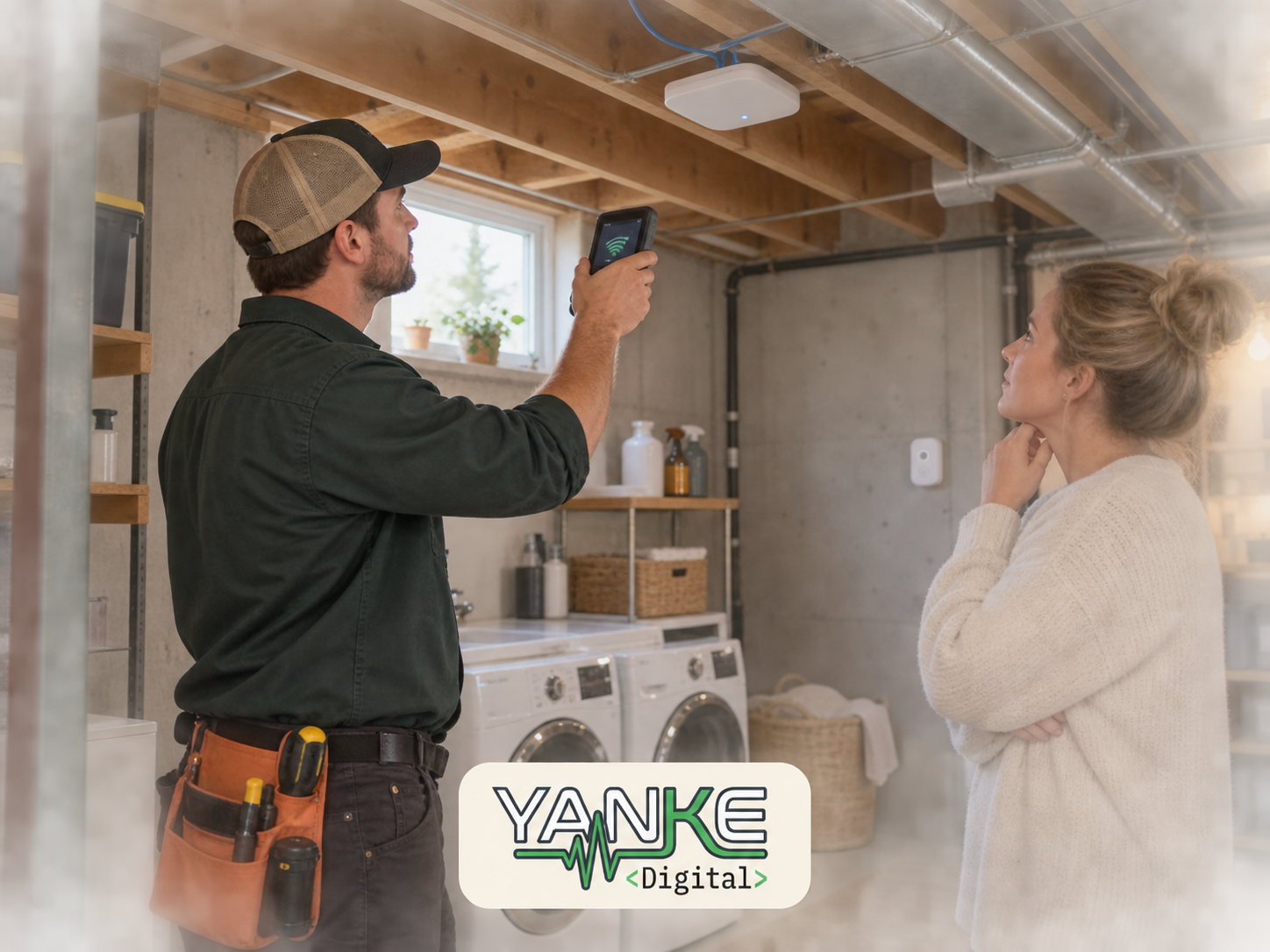
That’s the part nobody sees. Many of the most reliable home networks use wired connections between access points, so each one gets a clean, strong link instead of relaying a weak wireless signal from the room next door. Structured cabling, a tidy equipment location and access points placed for how you actually use the house make a bigger difference than the box with the biggest number on it.
In other words, the network is infrastructure, not an accessory. When it’s designed for the space, the smart devices on top of it suddenly start behaving.
How Yanke Digital approaches home WiFi
At Yanke Digital, we often start smart home projects with the network, because everything else depends on it. We design WiFi coverage around your home’s layout, materials and the places your devices really live, including garages, basements and outdoor areas.
Our process is simple:
- Start with what you have. We look at your current router, wiring and devices, and the frustrations you deal with every day. Often a lot of what you own can stay.
- Make the scope clear. We talk through equipment, compatibility, installation and pricing together, so you know what’s essential and what can wait.
- Connect it, then test it. Configuration and testing are part of the job, not an afterthought.
- Help you feel comfortable. We walk you through how it works and offer ongoing support if you want it.
You don’t have to overhaul your whole home at once. Plenty of people start with WiFi alone and add security or automation later, once they have a network they can trust.
Ready for a network that just works?
If your smart home feels more frustrating than helpful, let’s find out why. Call us at 1-888-698-8001, or use our free online project planner to map out a starting point. No contact details needed to try it.
Learn more about our home services on the Smart Technology page.