
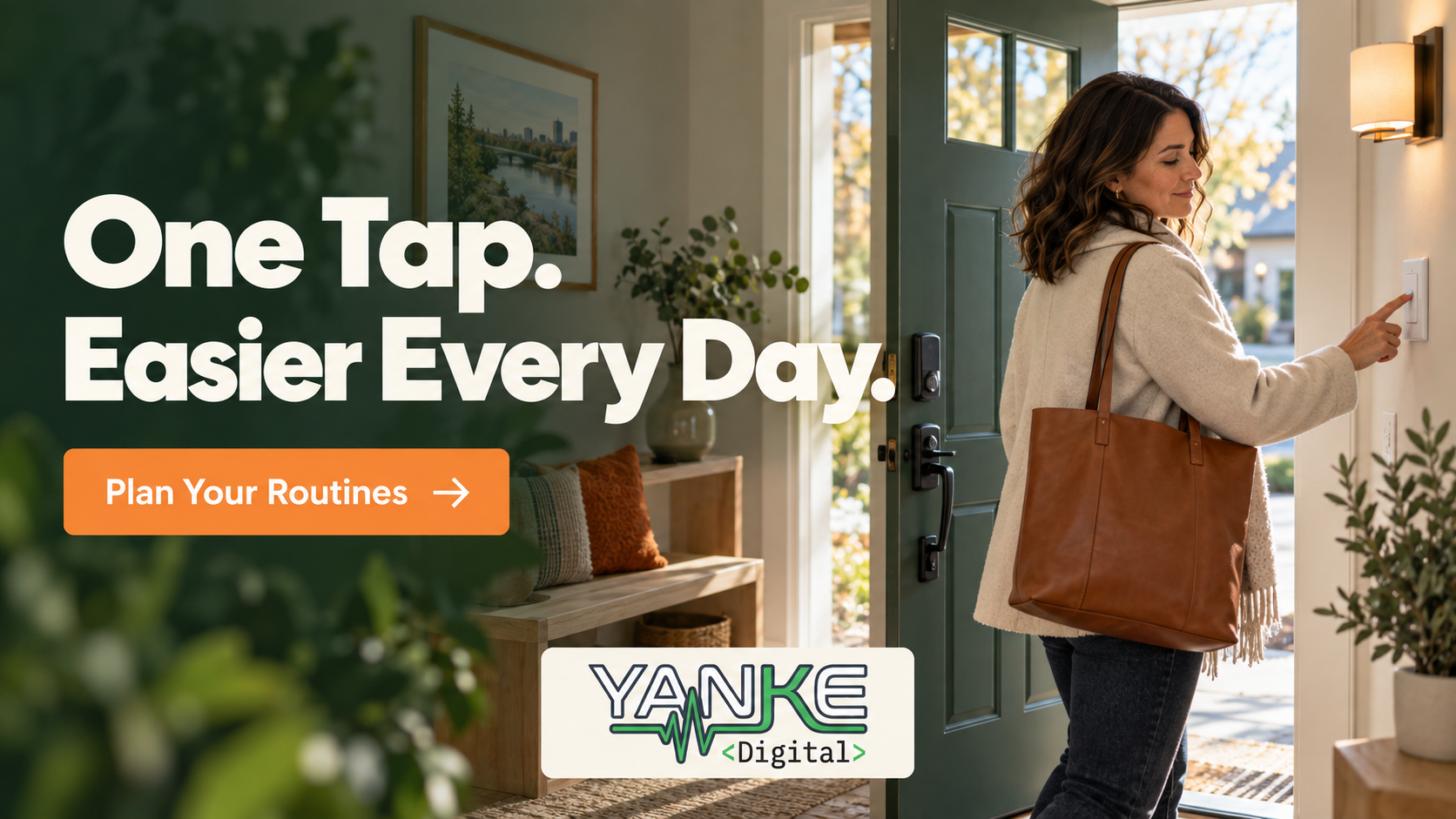
One tap on your way out the door. Lights off, heat down, doors locked.
That’s what a good routine feels like. Not a flashy demo, just one less thing to think about. Routines (sometimes called scenes or automations) bundle several actions into a single trigger, whether that’s a button, a voice command, a time of day or someone leaving the house.
The routines that actually work share a few traits: they solve a real daily habit, they’re predictable, and there’s always an easy way to override them. Start with three, morning, evening and away, and you’ll cover most of what people want.
Of course, routines that look perfect on paper sometimes fall apart in real life. The reason is rarely the routine itself. We’ll explain below.
The morning routine
The goal is a gentler start, without anyone touching a dozen switches.
A practical morning routine might:
- Warm the house before your alarm goes off
- Slowly bring up bedroom lights or open shades
- Turn on kitchen lights at a comfortable level
- Play the news or a favourite playlist in the kitchen
- Show the weather and the day’s schedule on a display
Triggers that work well: a set time on weekdays, the first motion in the kitchen, or a "good morning" voice command.
Tip: Keep weekday and weekend versions. Nobody wants the shades opening at 6 a.m. on a Saturday.
The evening routine
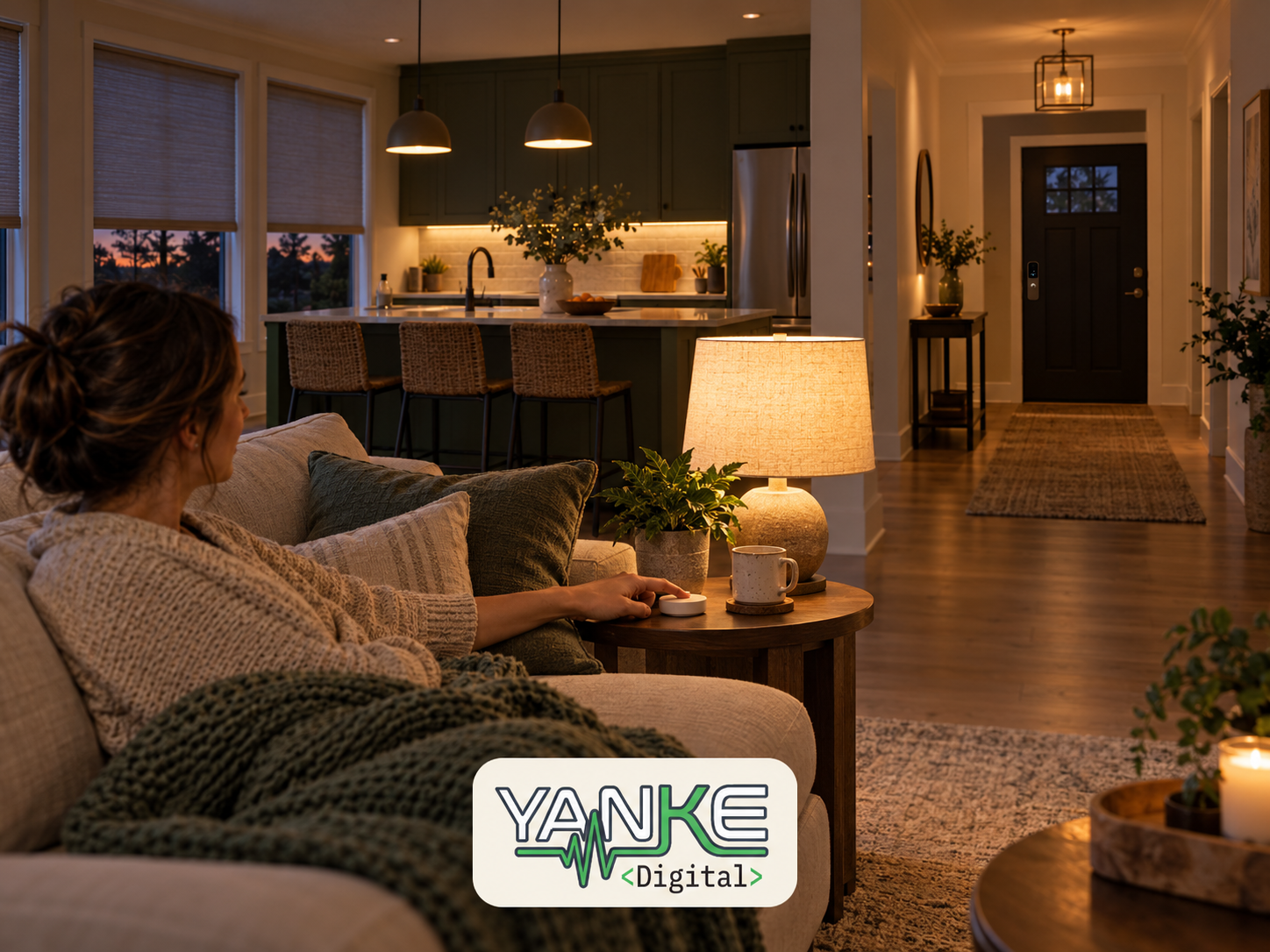
Evenings are about winding down and making sure the house is buttoned up.
A practical evening routine might:
- Dim the living room lights to a warm, comfortable level at sunset
- Close shades for privacy
- Lower the heat slightly for sleeping
- Lock the doors and close the garage
- Turn off lights left on in empty rooms
- Arm cameras or exterior lighting
Triggers that work well: sunset, a "goodnight" button by the bed, or a voice command.
Tip: Have the goodnight routine tell you if something’s off, like a door left unlocked or a window left open, rather than silently failing.
The away routine
This is the one people love most once it’s set up.
A practical away routine might:
- Turn off lights, music and TVs
- Lower the heat (or raise the cooling setpoint in summer)
- Lock doors and close the garage
- Arm security cameras and alerts
- Turn on water leak alerts as a priority notification
Triggers that work well: a button by the door, a tap in the app, or location-based detection when the last person leaves.
Tip: Pair it with a "welcome home" routine that does the reverse: lights on in the entry, heat back up, music on if you like.
Bonus routines worth adding
- Vacation mode: Turn lights on and off at varied times so the house looks lived in.
- Movie night: Dim the lights, lower the shades, turn on the TV and audio.
- Guest or dog walker access: Temporary smart lock codes that only work during certain hours, with a notification when they’re used.
- Cold snap alert: Get notified if an indoor temperature drops unexpectedly, which matters in a Saskatoon winter.
How to make routines people actually trust
- Start small. Two or three solid routines beat twenty flaky ones.
- Make them predictable. Everyone should know what each routine does.
- Always allow an override. A wall switch or button should still work.
- Give people more than one way to trigger them. Buttons, voice, touch panels and phones.
- Name them clearly. "Goodnight" is better than "Scene 4."
- Review after a few weeks. Adjust times and brightness to how you actually live.
Why good routines fail
Here’s what we hinted at earlier. Most routines don’t fail because they’re poorly designed. They fail because one device in the chain doesn’t respond.
A routine might involve a dozen devices: lights, locks, a thermostat, shades, speakers. If even one is on a weak WiFi connection or depends on a slow cloud service, the routine stalls or only half runs. The lights go off but the door doesn’t lock. And once that happens a couple of times, people stop trusting it.
Reliable routines depend on a reliable network and devices that respond quickly. Platforms like Home Assistant can also run many automations locally in your home, which can make them less dependent on internet hiccups. It’s not the most exciting part, but it’s what makes the one-tap experience actually work.
Building routines that stick with Yanke Digital
We’re a Saskatoon system integrator, and custom software and automation routines are a core part of our work. We start with what you have, reviewing your home, devices, wiring and the daily habits you want to simplify, and working out what can stay. We make the scope clear, talking through equipment, compatibility, installation and pricing together.
Then we connect it and test it, because routines only matter if they run reliably every time. We set up mobile, touch-panel and voice controls, walk your household through how everything works, and offer ongoing support as your routines evolve. We work with Home Assistant, Apple Home, Google Home and Amazon Alexa.
Make your mornings easier
Ready for routines that just work? Call 1-888-698-8001, or sketch out the routines you’d like in our free project planner. There’s no need to share contact details.
Explore our smart home services.
Less figuring it out. More enjoying it.